
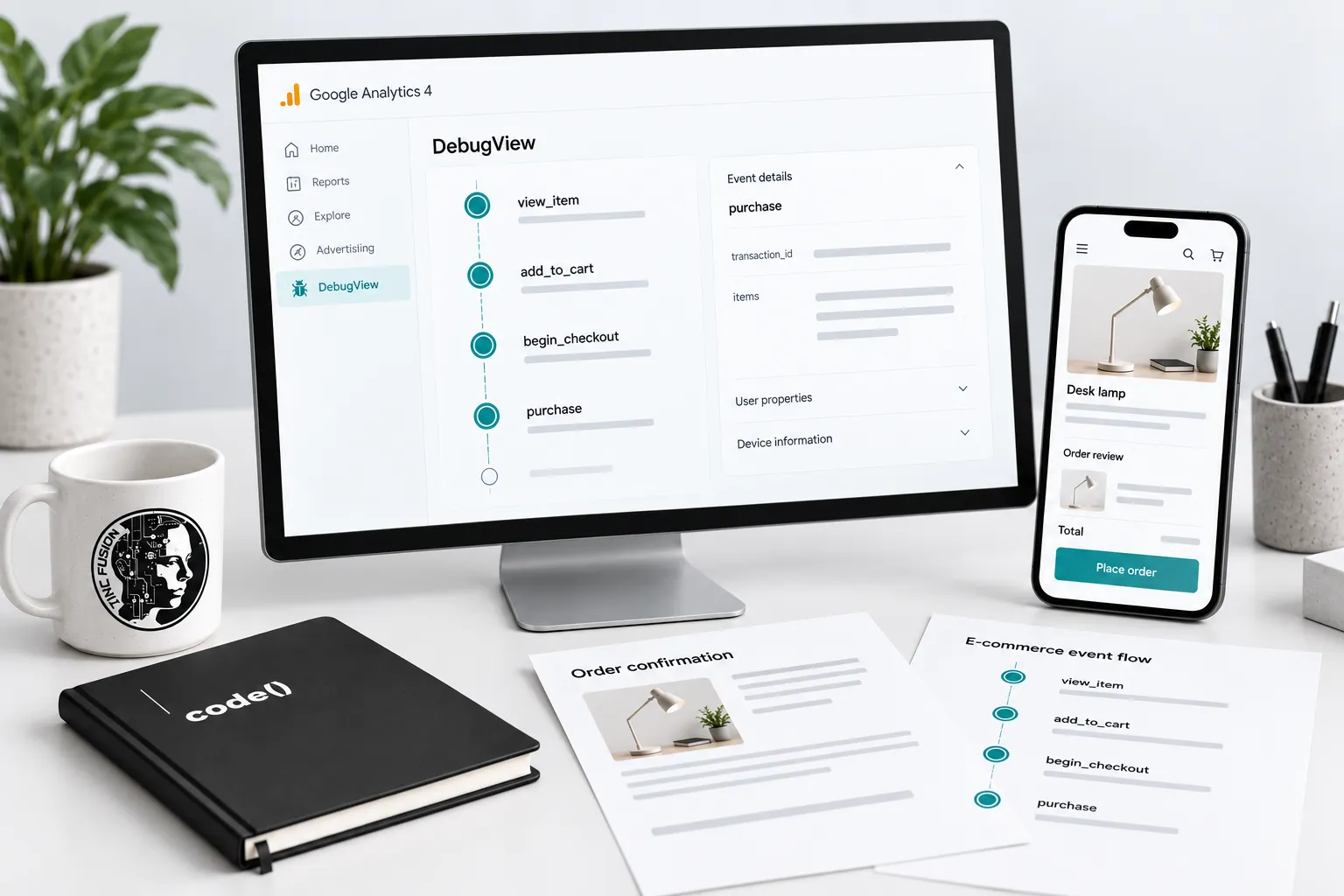
A purchase event firing is not the same as a purchase being measured correctly.
Trace one controlled order before trusting the revenue chart.
1. Define the expected events
Write the shopping actions, triggers, source fields and implementation owner. Use Google's ecommerce guide to map product views, cart actions, checkout, purchases and refunds to what actually happens in the store.
Choose a test order whose quantities, discounts and payment route are easy to inspect. Record its identifier without exposing customer details.
2. Inspect the purchase payload
Compare the sent fields with the order record. Google's purchase reference specifies a unique transaction_id and an items array. Include currency when sending value.
Check product or variant identity, numeric prices and quantities, and the merchandise value: item price multiplied by quantity, summed across items. Keep shipping and tax in their separate parameters. A green tag cannot verify that arithmetic.
3. Follow the journey in DebugView
Enable debug mode for the test device and inspect the intended property using Google's DebugView guidance. Select a variant, add to cart, change quantity and complete the authorized test purchase. Compare each action with its event and parameters.
Record the consent state. Privacy controls or denied Analytics-cookie consent can prevent events appearing in DebugView. Diagnose that condition through the approved consent implementation; do not disable consent to produce a successful test.
4. Test duplicate and refund paths
Refresh or revisit the confirmation page and look for another purchase submission. Check for overlapping senders, such as a store integration and custom tag. A unique transaction ID helps prevent duplicate purchase events; inspect the implementation too.
Test a discount, multiple items and an accelerated payment route if offered. Verify that refunds reference the original transaction and relevant items. Cancellation, failed payment and refund are different states.
5. Reconcile the recorded transaction
After report processing, compare the controlled order using the same property, dates, currency and revenue definition. Separate order creation, event collection and attribution. Document consent gaps and refunds instead of forcing unlike totals to match.
Test record: scenario; expected event; observed fields; consent state; transaction ID; report check; issue owner.
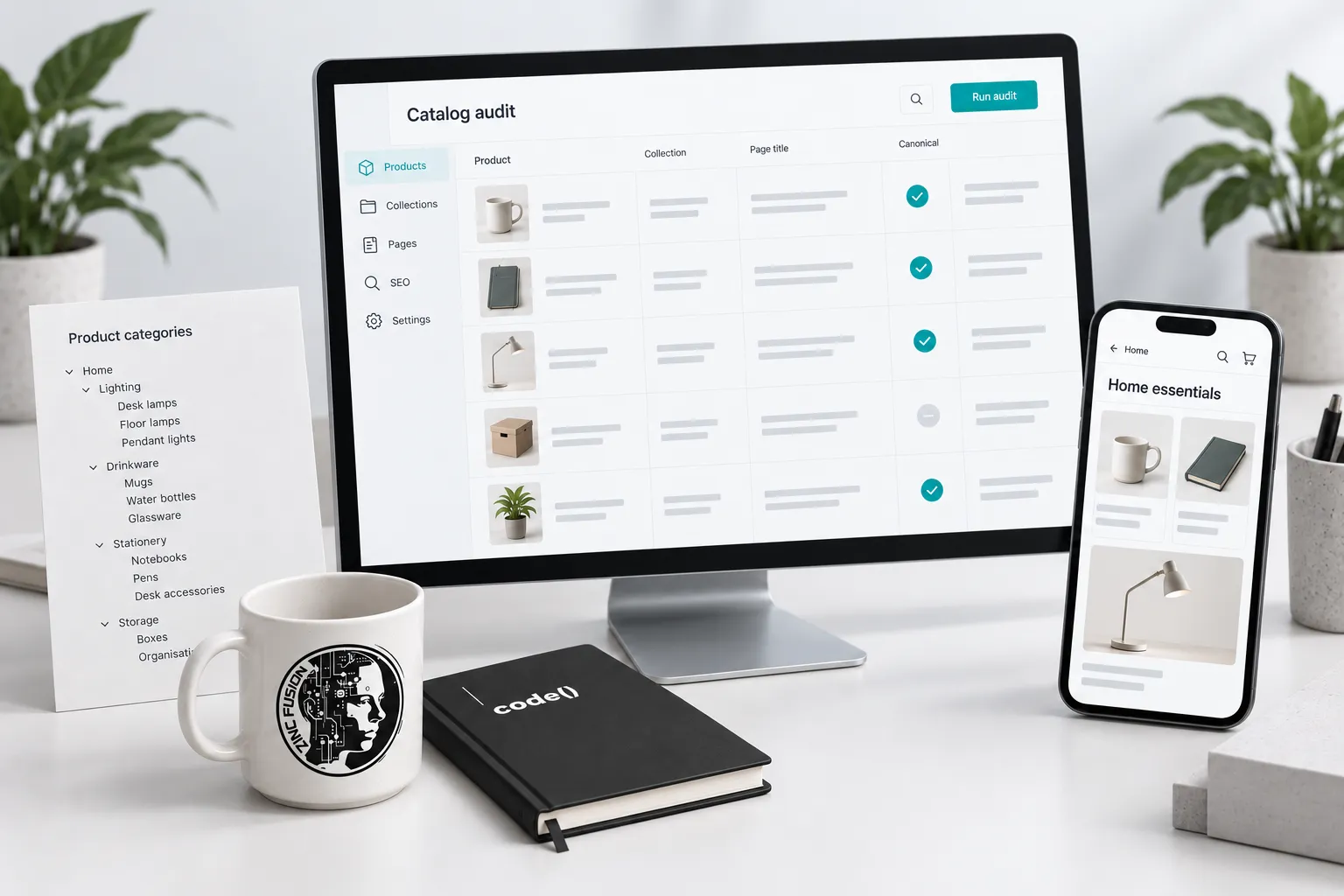
Repeat relevant checks after Shopify changes. The channel planning guide connects measurement to the decisions behind business intelligence.
Sources
- ecommerce guidedevelopers.google.com
- purchase referencedevelopers.google.com
- DebugView guidancesupport.google.com