
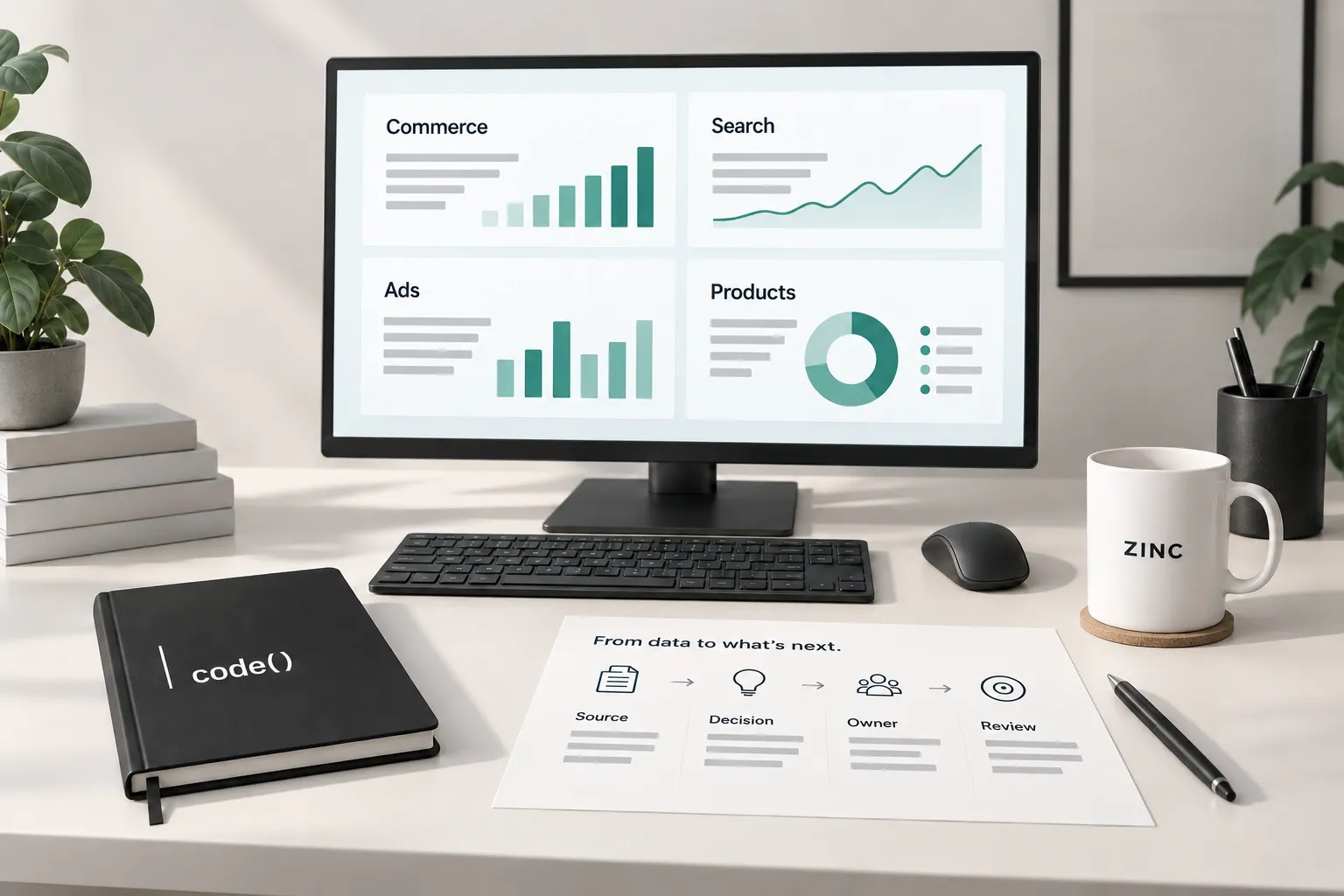
Business intelligence turns business records into decisions people can act on. It connects sources, defines the measures and shows what changed. You need it when separate reports leave the team arguing about what a number means.
1. Start with a business question
Choose a decision with an owner: which products need attention, where checkout stalls or whether a campaign is producing useful demand. Write what could change after the answer.
For Once Upon a Book Club, we proactively invested two months in a reporting app beyond the original requested scope. The app remains in development. It brings commerce, search, advertising, products and funnel views into one reporting interface.
2. Identify the source records
Name the system behind each measure. Store orders, search impressions and platform-attributed purchases represent different records. Preserve that distinction when connecting them.
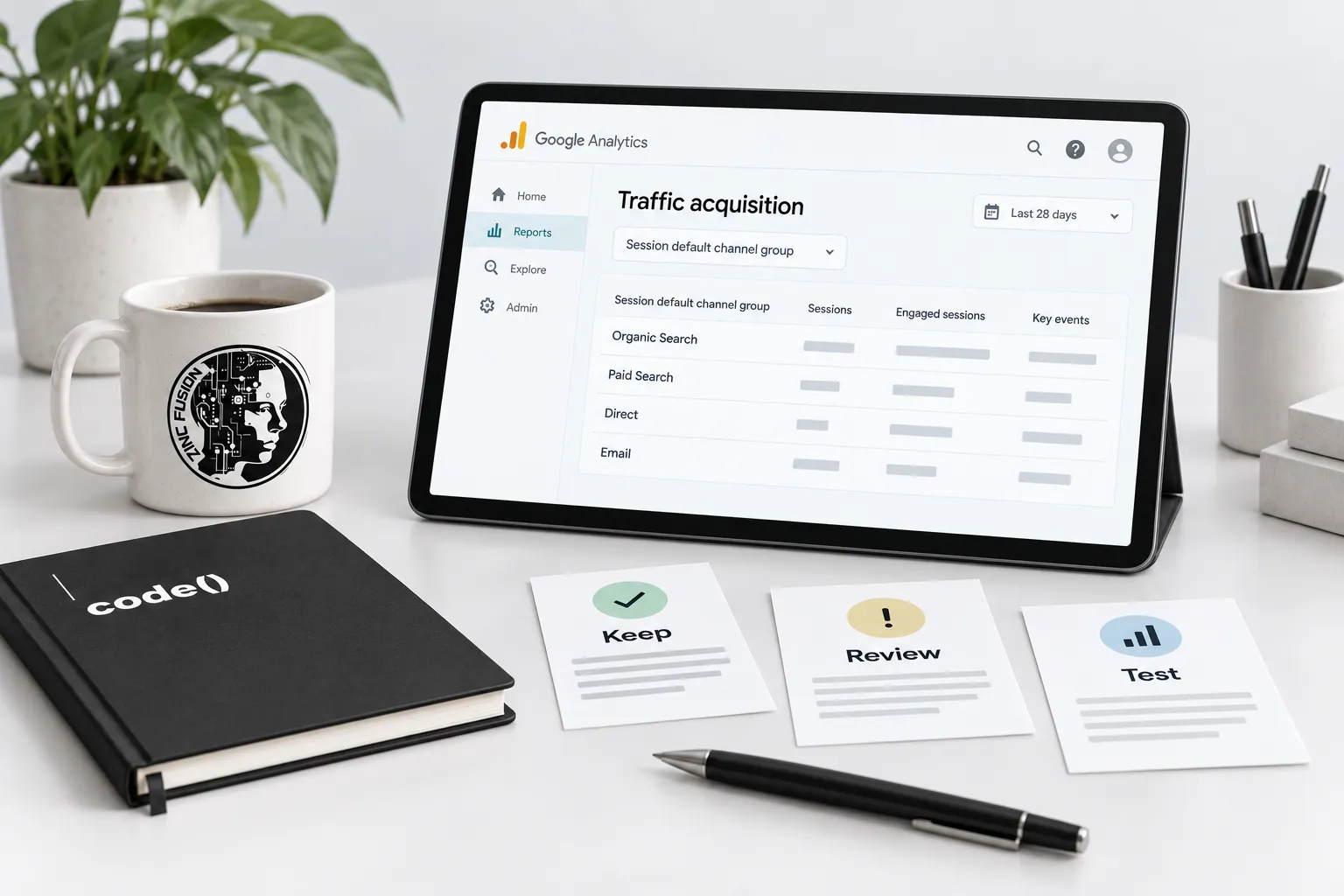
Google's GA4 Data API guide describes reports built from a specific property, dimensions, metrics and date ranges. A connection returns data; it does not decide whether the comparison makes business sense.
3. Define the measures and dates
Write what each metric includes, excludes and counts. Specify the time zone, period and source freshness. Distinguish recorded results from projections. Show incomplete coverage rather than treating missing records as zero.
For purchase measurement, check the GA4 purchase specification and trace an order using our event validation guide. The glossary is part of the report, not optional meeting decor.
4. Build the view around the decision
Put the comparison, relevant breakdown and source date where the operator can see them. OUABC's app includes product pre-orders, advertising comparisons and a visit-to-purchase funnel, with attribution limits and incomplete records identified.
U.S. Oil Solutions illustrates an operational use: visit records and fryer-service histories support reporting inside its separate operations app. That app is distinct from its public website. Different business, different workflow, same need for understandable records.
5. Assign an action and verify it
Record the observation, proposed action, owner and review date. After the change, compare the same defined measures over a suitable period. A report should help test a decision, not claim the decision worked before evidence arrives.
Decision record: question; source; metric definition; coverage dates; finding; limitation; action; owner; next check.
Start with one question through business intelligence. The channel planning guide helps choose which marketing decisions deserve attention first.
Sources
- GA4 Data API guidedevelopers.google.com
- GA4 purchase specificationdevelopers.google.com