

Follow the ad’s promise all the way to a completed form or order on a phone. Verify price, availability, terms and measurement. Fix broken or misleading journeys before increasing traffic; a fast page can still sell the wrong promise.
Test the path from the ad promise to an accepted inquiry or purchase. A polished page alone cannot establish that the journey works.
Start with the campaign purpose in our channel planning guide.
1. Compare the promise and offer
Save the final creative, wording and destination. State what the visitor should receive after clicking.
Compare that expectation with the page's heading, offer and qualifications. Google's landing-page guidance recommends relevant useful content aligned with the advertising.
2. Open the exact destination
Use the published link with approved parameters. Follow redirects and confirm the final page, domain and selected product option.
Review current Google destination requirements where applicable. A working page does not establish platform approval. Save the tested destination with Search Ads or social campaign records.
3. Complete the task on mobile
Read the offer and use its controls at phone size. Check clipped content, obscured fields, overlays and changes after the keyboard opens.
Record the exact action and failure. A screenshot of the page does not verify its interaction.
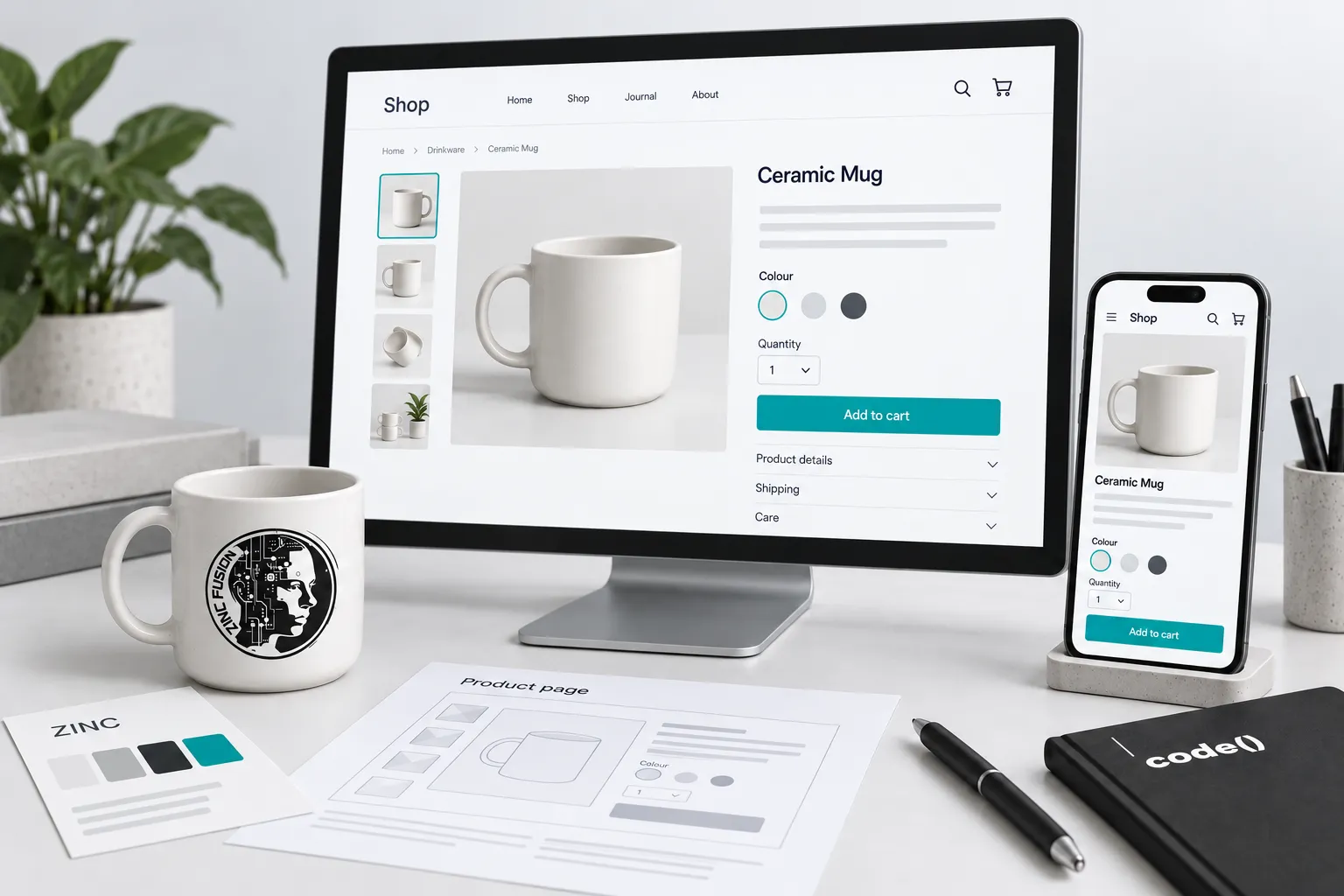
4. Test the accepted outcome
Exercise required fields, invalid input and correction. Make an authorized test submission or purchase, then confirm the receiving record through the approved test process.
A confirmation screen alone does not prove delivery. Web development repairs page or integration defects. For ecommerce, use purchase-event validation.
5. Check measurement and retest
Verify that the chosen event represents the accepted inquiry or order, rather than a button click or attempted submission.
Use GA4 campaign naming for consistent traffic records. Preserve approved consent behavior. Retest the relevant path after a repair; behavior verification does not establish conversion lift.
Keep this release record
- Tested creative, promise and final URL.
- Device and browser used.
- Offer or option observed.
- Authorized test outcome and receiving record.
- Measurement evidence and its limits.
- Defect owner and retest result.
Treat campaign outcomes as a later observation requiring reliable data. The launch check establishes that the visitor can complete the intended path.
Test the promise, including the exception
Imagine an ad offering delivery before a holiday deadline. Open its exact destination on a phone, select the advertised item and check the relevant postcode and shipping option. A banner promising fast delivery does not help if checkout contradicts it.
Record ad, URL, device, product or service, stated terms, form or checkout result and measurement observation. Use an authorized test transaction where completion is required; avoid creating real orders accidentally. Check errors as well as success: invalid details should produce readable guidance, and a failed submission must not fire a successful-lead event. Repeat after the actual campaign URL is saved.
| Test scenario | Page behaviour to inspect | Separate evidence to retain |
|---|---|---|
| Advertised item and eligible delivery address | Offer, selected option and checkout terms agree | Exact creative, URL, option and displayed terms |
| Required field left blank | Readable error and a way to correct it | No accepted-lead record or success event for the failed attempt |
| Valid authorised test | Customer sees an accurate confirmation | Receiving record and intended measurement event |
| Repaired defect | Original failing path now works on the target device | Retest result, date and any remaining limitation |
An untested row stays pending. Do not fill the receiving-record column from a screenshot of the confirmation page.
Download the ad-to-enquiry test sheet. Use one row per valid or invalid scenario and record the receiving system separately from the on-page confirmation. The example rows are untested specimens; they are not completed checks.
Sources
- landing-page guidancesupport.google.com
- Google destination requirementssupport.google.com