
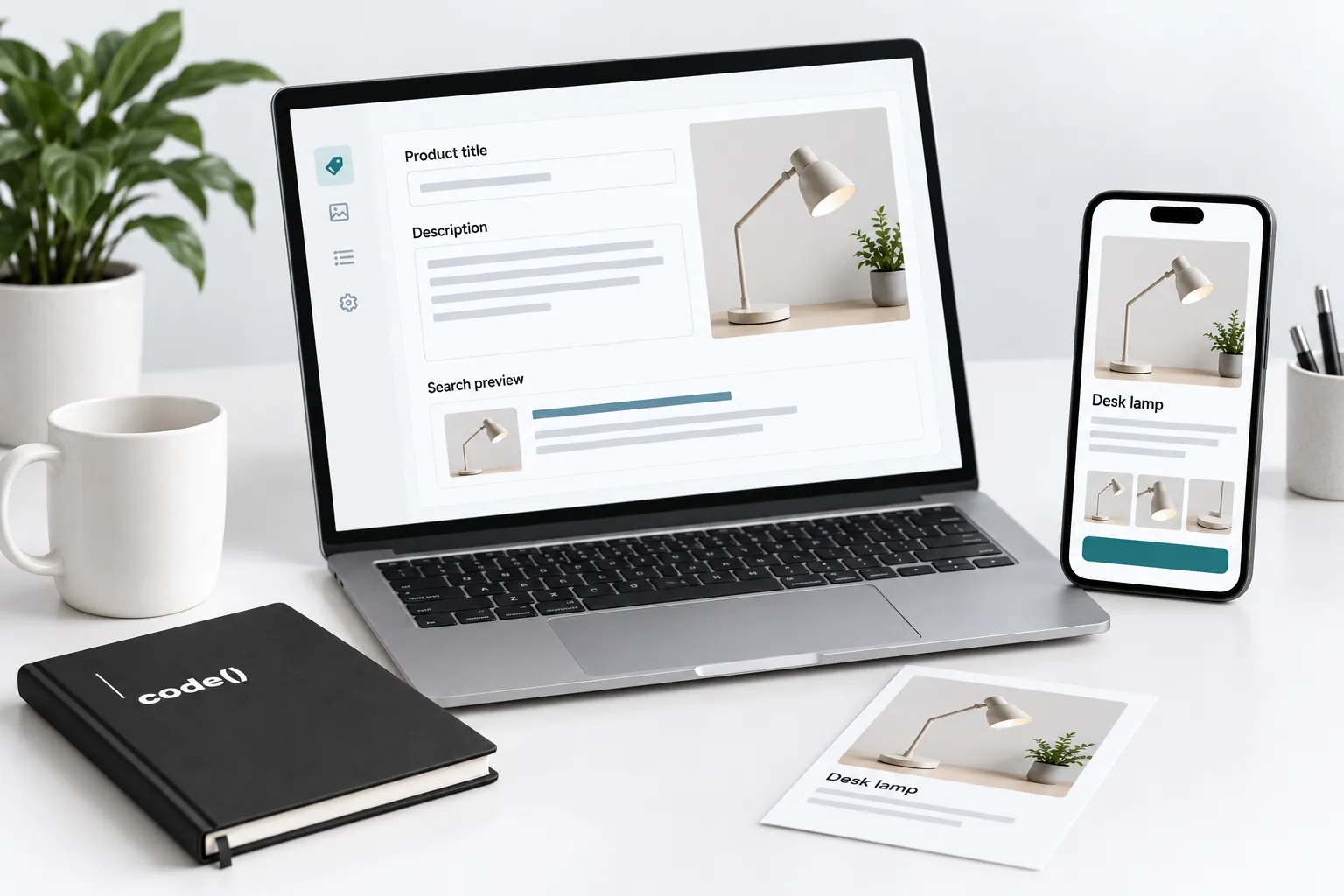
Help a buyer identify the exact product, choose an option and understand delivery and returns. Use accurate titles, descriptions, images and variant information. Check the rendered page and purchase path after editing rather than assuming the saved fields tell the whole story.
Improve the product information and search presentation together. Start with one representative item before applying a catalog-wide template.
Use our Shopify SEO launch guide for the wider storefront checks.
1. Verify the product facts
Collect current dimensions, options, included items and purchasing conditions. Name the source and reviewer for each.
Shopify's product details documentation describes the relevant content, media, variant and search-listing fields. Use the right field rather than one unstructured description.
2. Answer the buying questions
Write a descriptive title and a short opening identifying the item. Explain features, fit and important limitations from verified facts.
An illustrative lamp page could explain dimensions and adjustment instead of claiming it suits every workspace. Keep specifications easy to compare; do not invent reviews or performance results.
3. Edit the search listing
In Shopify admin, open Products, select the product and find Search engine listing. Use its edit control to change the page title and meta description, then save. Shopify's product editing instructions distinguish these fields from the product title and description customers see on the page.
Write a concise title and unique description that match the actual product. Shopify's metadata guidance recommends readable wording and notes that search engines may display different text. The preview is not a promise of the exact Google result.
Keep a working URL unless a change has a real purpose. Plan redirects and connected-data updates when an address must change.
4. Describe the images
Review each important media item's alt text. Describe the actual view and relevant variant; avoid unrelated keywords.
From the same product, open a media item, choose Add alt text, enter the description and save it. Repeat for each meaningful view, describing what actually changes. Shopify's alt text instructions also cover the app's media information control. Check generated suggestions against the image before accepting them.
5. Connect and test the page
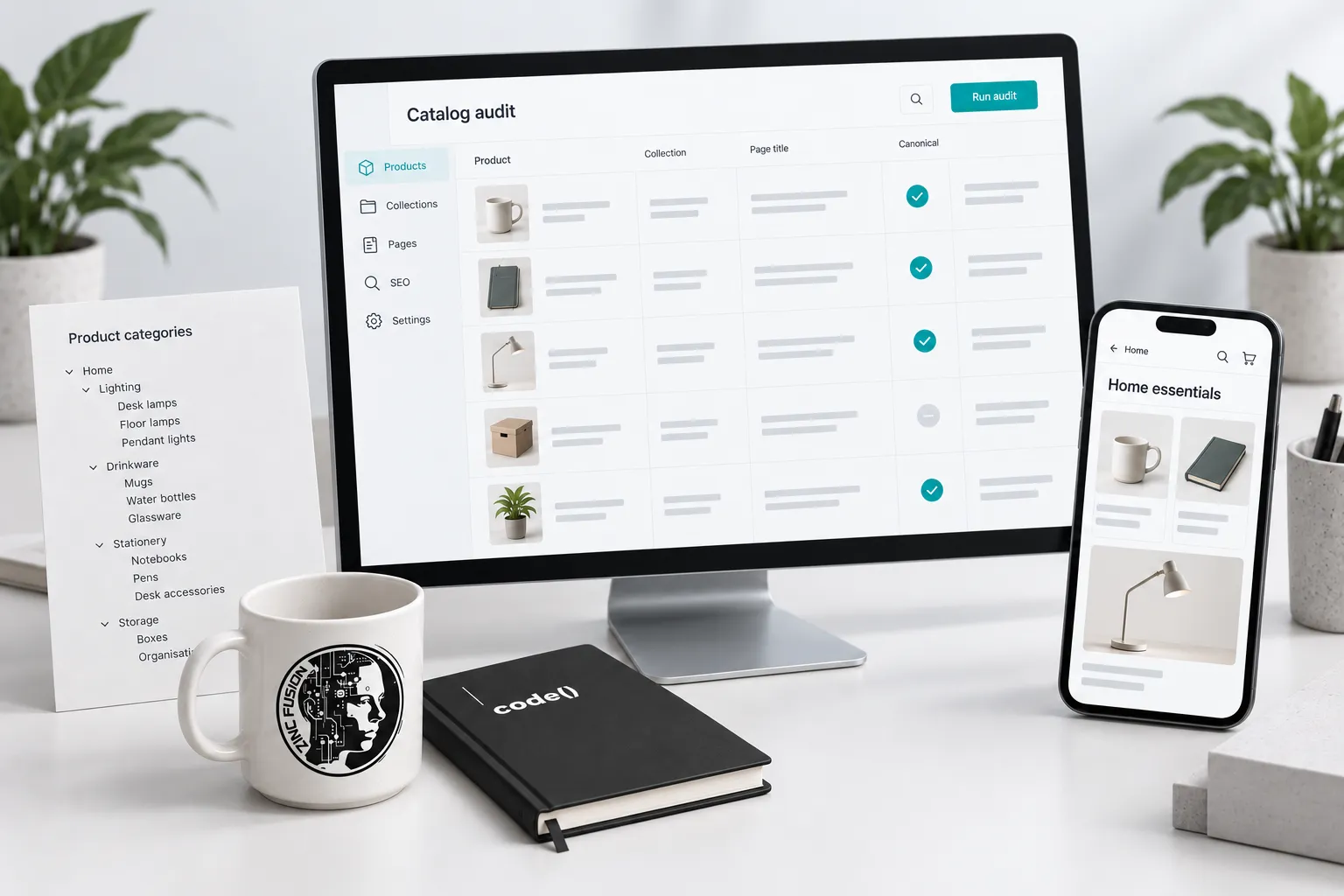
Confirm the product is reachable from its collection and relevant guides. Google's ecommerce structure guidance recommends navigational links through categories to products.
Save, then open the public URL on mobile. Check descriptions, options, images, metadata and purchase behavior. Shopify development addresses template defects; SEO review checks the page's search role.
Final checklist
- Facts and limitations have an approved source.
- Copy, images and options describe the same item.
- Search metadata is unique and accurate.
- Alt text describes each image.
- Collection and guide links work.
- The published buying path has been tested.
Record the release before reviewing comparable search periods. An edited title does not guarantee better rankings.
On a client catalog project, our team manually prepared product images as part of the website work. A tidy background is useful, but it cannot supply a missing specification or tell a buyer which option they are looking at. Give the image and the product facts their own checks. Neither gets to borrow the other's tick.
Example: complete the buyer’s missing information
Here is one complete illustrative item. Assume the product record confirms a 750 ml steel bottle, navy finish, screw lid, 7.5 cm diameter, 27 cm height and hand-wash-only care. Do not transfer these invented specifications to a real product.
| Field | Example copy |
|---|---|
| Product title | 750 ml steel water bottle — navy |
| Description opening | A navy steel bottle with a screw lid and 750 ml capacity. It measures 7.5 cm across and 27 cm high. Hand wash only; check your bag pocket or cup holder dimensions before ordering. |
| Search page title | Navy 750 ml Steel Water Bottle — Example Store |
| Meta description | See the navy 750 ml steel water bottle with a screw lid. Check dimensions, hand-wash care, delivery and returns before ordering. |
| Front-photo alt text | Navy steel water bottle with its screw lid closed |
| Detail-photo alt text | Open screw lid beside the navy bottle's mouth |
The photo descriptions must match the actual views. Add verified delivery and return links near the buying controls. Avoid inventing temperature-retention claims or saying it fits every cup holder. Keep the existing URL unless there is a separate reason to change it.
Choose images that show the actual color and useful scale; do not invent certifications or performance claims. After saving, inspect the page on a phone, change variants and check that price, image and availability follow the selection. Compare rendered product markup with the visible item. A complete page helps a buyer make a decision; it does not guarantee a rich result or a ranking.
Check one product before editing the catalog
Use one row per product field and variant. Put the approved fact and its source beside the current page value, then record the saved public result. The bottle row is fictional; replace it with your own verified specifications.
Download the product-page fact-check sheet. Open the CSV in your spreadsheet application, keep the specimen labelled, and add your own rows. Pending observations are work to complete, not failed or successful results.
Sources
- product details documentationhelp.shopify.com
- product editing instructionshelp.shopify.com
- metadata guidancehelp.shopify.com
- alt text instructionshelp.shopify.com
- ecommerce structure guidancedevelopers.google.com