

A holiday campaign needs a store that can keep its promises.
Use one checklist across the storefront, product feed and campaign. Start with the Shopify launch guide; keep Shopping management tied to the products shoppers can actually order.
Step 1: Write the offer and final order dates
Name the products, eligible markets, discount rules and delivery promise. Confirm shipping cutoffs with the people fulfilling orders.
Distinguish “order by” from “arrives by.” Include the time zone and exceptions wherever the customer relies on that promise. A banner and a checkout message should not disagree.
Step 2: Give every preparation task an owner
Work backward from launch. These are example planning windows, not universal deadlines; adjust them for production and fulfillment capacity.
| Window | Deliverable |
|---|---|
| Before creative production | Offer, eligible stock and shipping promise agreed |
| Before campaign setup | Product pages and feed checked |
| Before launch approval | Discounts, checkout and tracking tested |
| During the promotion | Stock, delivery messages and failed orders reviewed |
Keep a named backup for any task that could stop checkout or invalidate the offer.
Step 3: Reconcile the product page and feed
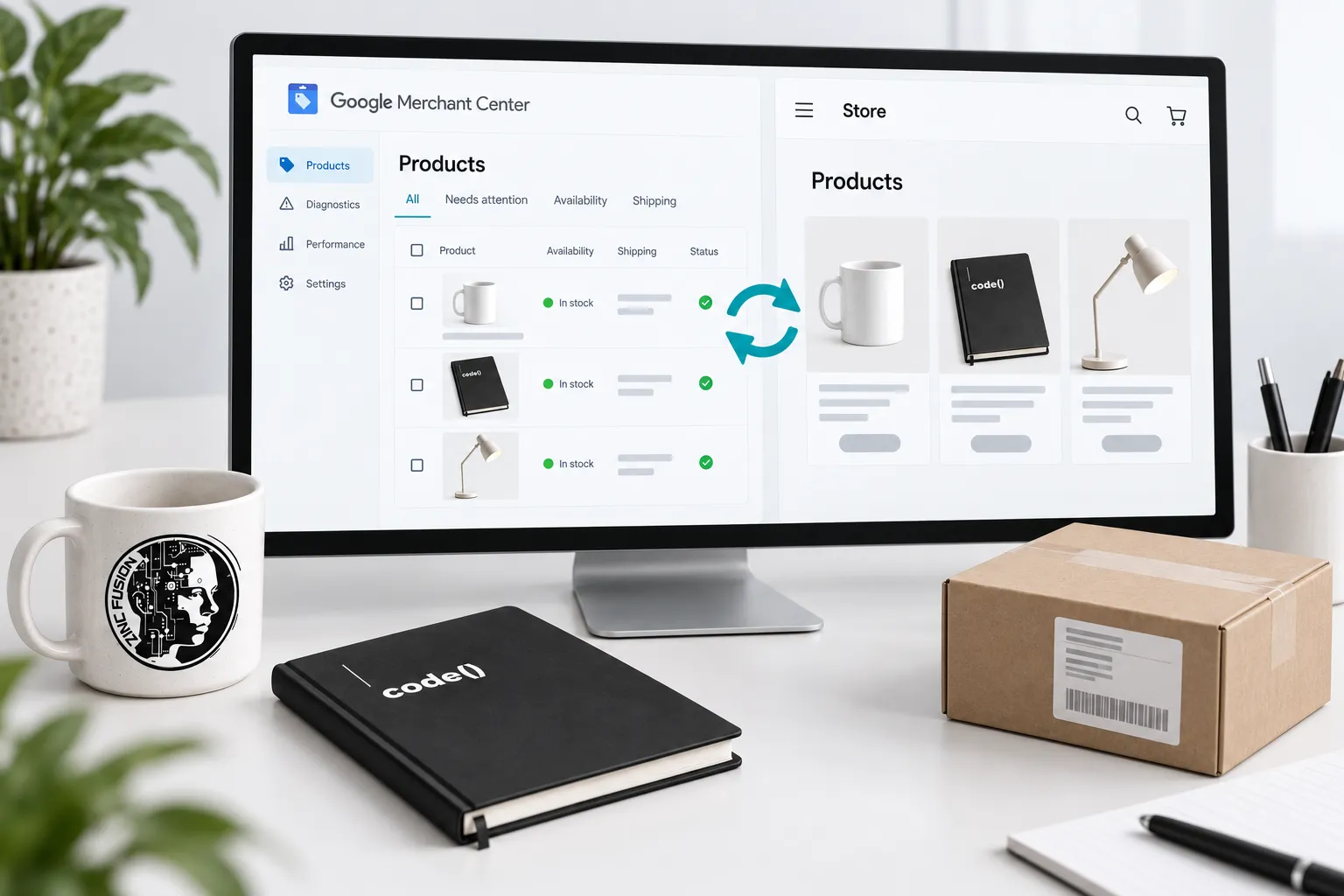
Check the same variant in the store and Merchant Center. Compare price, availability, identifier, image and destination against Google's product data specification.
Confirm sale prices and their intended dates where supplied. Do not keep advertising a variant that is unavailable just because another option remains in stock.
Step 4: Test the discount rules
Use Shopify's discount guidance to review the offer you configured.
Test an eligible basket and an ineligible one. Check combinations, minimum spend, market restrictions and the final charged amount. Include the accelerated checkout routes the store actually offers.
Step 5: Complete the purchase journey
Follow an authorized test order from the ad destination through confirmation. Check mobile navigation, variant selection, shipping options and the visible delivery message.
Then follow the GA4 purchase validation routine. A completed order and an accurately measured order are separate checks.
Step 6: Set the launch decision and stop rules
Approve the launch only when the offer is consistent and the relevant tests pass.
- Stock and cutoff owner identified
- Store and feed agree
- Discount charges the intended amount
- Checkout and order confirmation work
- Measurement checked with a controlled order
- Expired messages and campaigns have an owner
If stock or fulfillment changes, update the promise and distribution together. The campaign is ready when the store can deliver it.
Sources
- product data specificationsupport.google.com
- discount guidancehelp.shopify.com