
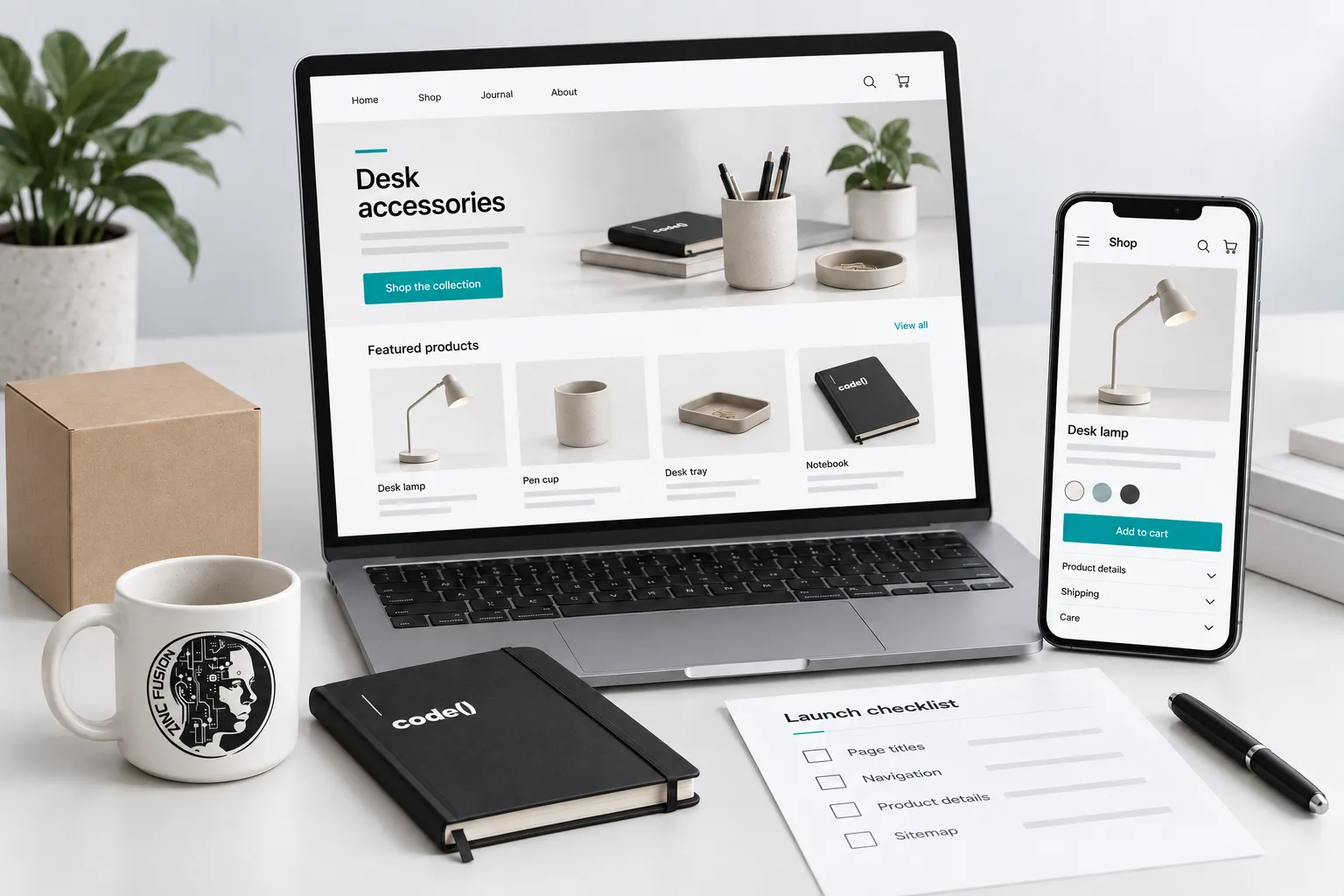
Check the live store before removing launch restrictions: useful collections, complete product pages, redirects, preferred URLs, working checkout and accurate measurement. Record each test, its result and its owner. A published theme is only one part of a finished launch.
A Shopify launch is ready when a customer can find the right product, understand it and complete an order—and your team can verify what happened. A finished homepage does not establish any of those things.
Use this checklist before a new store, migration or major theme release. You will need access to Shopify, your domain settings and the people responsible for product information and measurement. Search Console and Merchant Center checks require access to those properties too.
Decide what must work at launch
List your priority collections and products. Include an ordinary product, a product with variants, a discounted item and an unavailable item. Test each relevant template rather than assuming the homepage represents the store.
Keep a launch sheet with these columns: URL, test, expected result, observed result, evidence, owner and release decision. A blocked checkout or incorrect selling price stops release. A missing optional description improvement can have a named follow-up date.
Check the address and discovery rules
Confirm the primary domain and HTTPS. Open the www and non-www versions and any old store addresses; verify they resolve to the intended destination. For a migration, test old product and collection links individually against the redirect map.
Shopify includes built-in SEO features, including canonical tags and sitemap generation. Those defaults still need inspection after theme and app changes. A canonical identifies the preferred version of equivalent content; it is not a way to hide a genuinely different product.
Check that public launch pages are not password protected or marked noindex. Keep staging and private areas excluded. Review the generated sitemap, then submit it through the correct Search Console property. Submission does not guarantee indexing.
Walk from a collection to a purchase
Start on a phone. Find a collection through navigation, choose a product, select its size or colour and add it to the cart. Confirm that the selected variant, image, price and availability agree through checkout.
On each collection, explain what belongs there and provide useful filters. Do not create several almost identical collections merely to target slight wording differences. Product pages should state the facts a buyer needs: dimensions, materials, compatibility, contents, delivery and returns, as applicable.
Give images useful descriptions. Describe the product or information shown; do not fill alt text with every search phrase you hope to rank for.
Check product information in three places
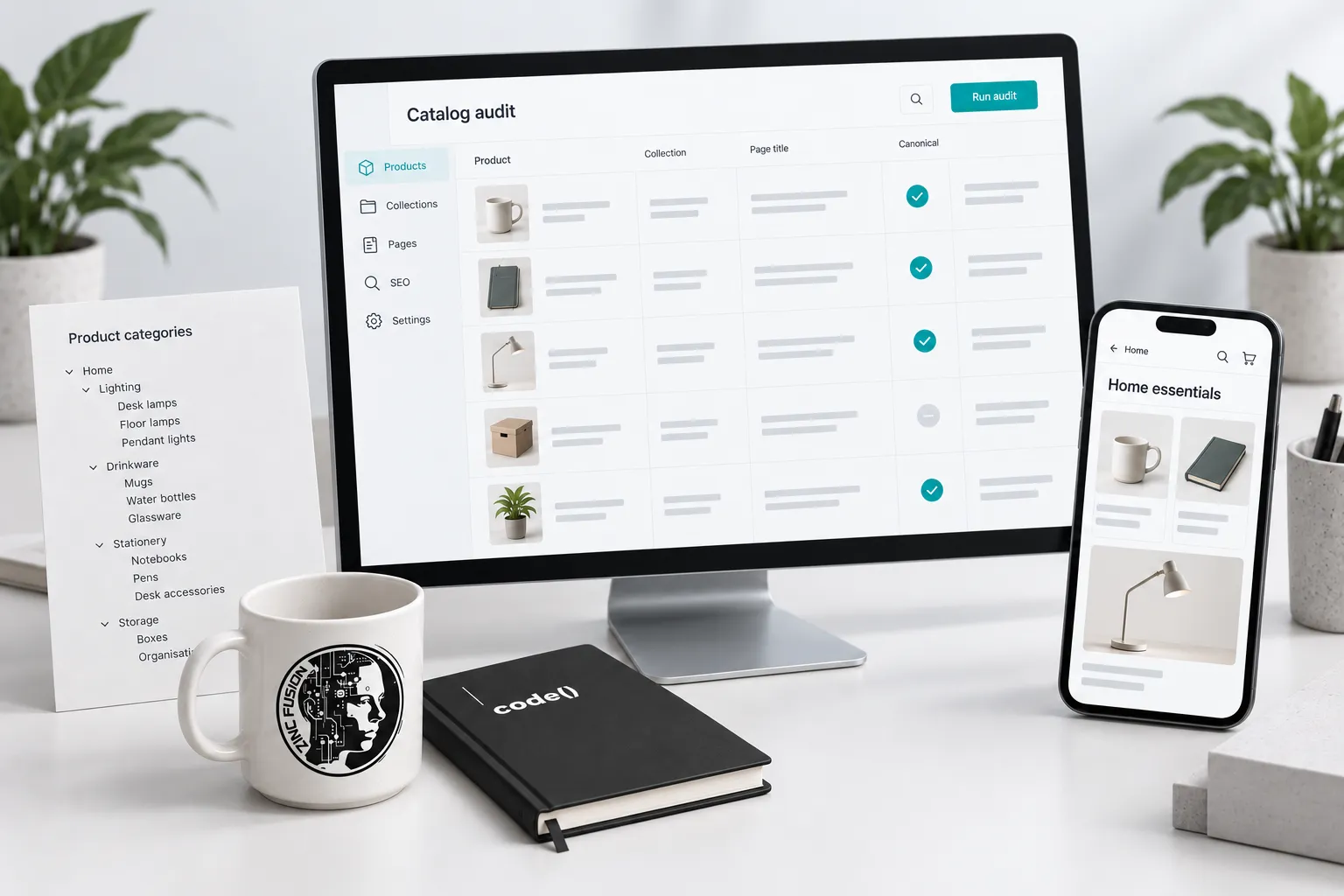
Compare the visible page, its structured data and any Merchant Center listing. Check price, currency, availability, variant selection and destination. A valid schema test does not establish that the values are correct.
Google's product variant guidance distinguishes single-page and multi-page implementations. Ask the developer to verify the pattern the store actually uses. Do not copy a canonical rule from a different variant model.
For feed setup, follow the separate Shopify and Merchant Center checklist. For an established store with indexing problems, use the Shopify repair guide.
Worked launch check
Imagine a store selling linen shirts. This is an illustrative test, not a client result.
| Check | Expected result | Action if it fails |
|---|---|---|
| Open the blue, medium variant link | Blue and medium are selected at the advertised price | Fix selection or destination before promotion |
| Add that variant to the cart | The same SKU, quantity and price appear | Resolve the cart mismatch before launch |
| Follow the delivery and returns links | Terms cover the actual product and destination | Correct the policy or delivery configuration |
| Complete an authorized test order | Transaction ID and currency match; event value equals the agreed merchandise amount, with tax and shipping checked separately | Investigate measurement before using it for ad decisions |
| Open an old product link | It reaches the relevant replacement without a chain | Repair the redirect map |
Use a test payment method approved for the store, and remove test records from business reporting where appropriate. Do not place unapproved live orders.
Validate after release
Repeat the checks on the public domain. Confirm checkout, forms and tracking consent behaviour. Review Search Console for crawl and indexing changes; compare Merchant Center issues with the inspected products. Use the GA4 event validation guide to reconcile a known order rather than assuming a dashboard proves tracking works.
Save the launch sheet with its evidence. Download the search review workbook for the URL, owner and follow-up checks. Keep the product-specific expectations above alongside it.
Download the Shopify launch checklist to record the actual tests and unresolved items.
Use the completed sheet to brief Shopify development on release defects and SEO work on discovery issues. Assign each unresolved item to the team that can actually fix it.
Sources
- built-in SEO featureshelp.shopify.com
- generated sitemaphelp.shopify.com
- product variant guidancedevelopers.google.com