
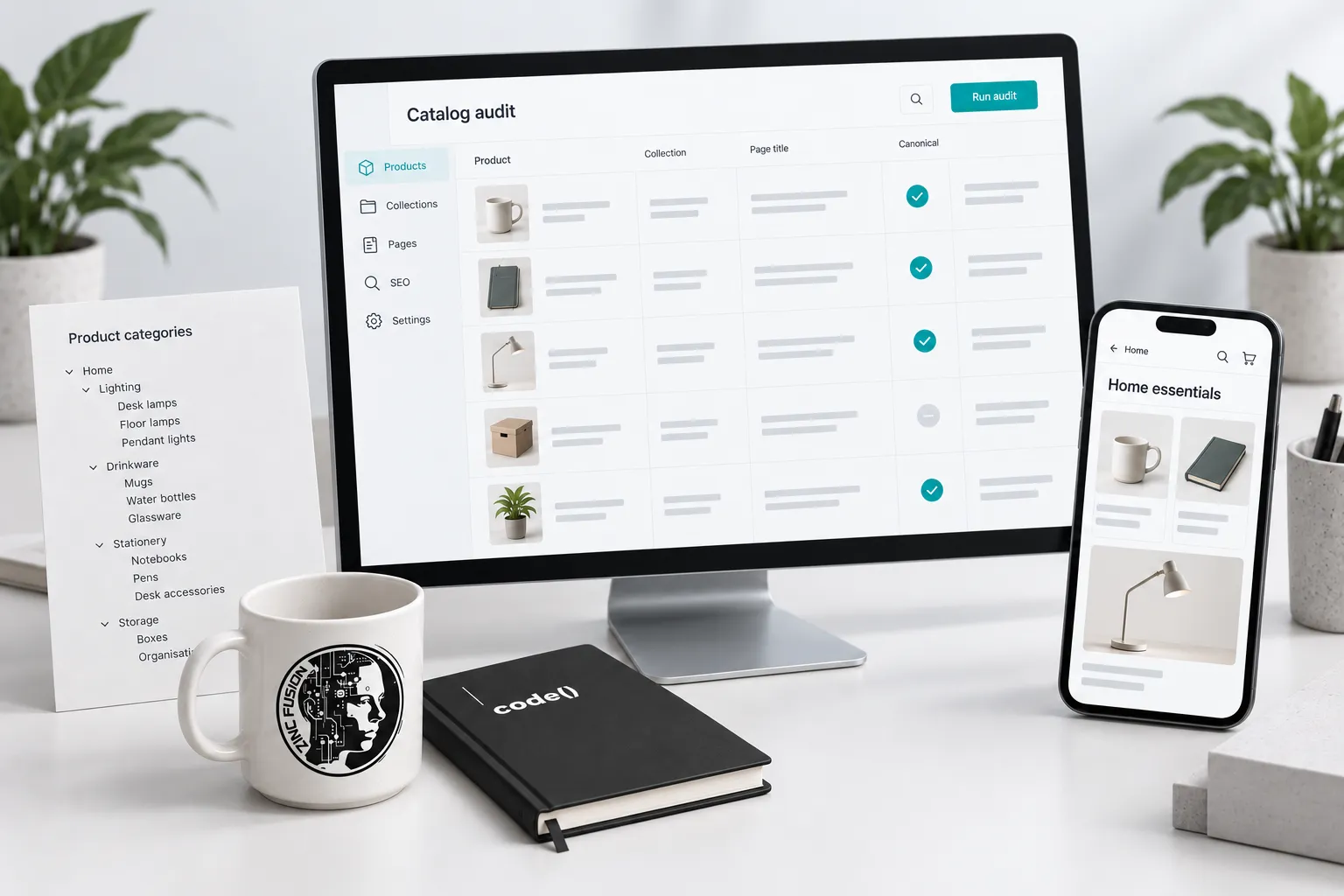
Diagnose one failing product or collection before changing the whole store. Compare its crawl access, preferred URL, content and customer journey with a working equivalent. Repair the source of the problem and verify both the page and its search status.
An SEO audit can find hundreds of warnings without identifying the problem costing the store orders. Start with a specific symptom and a small set of affected pages. Then test the explanation before changing the whole catalog.
You need access to the store, Search Console and the people maintaining the theme and product data. Merchant Center access is useful when the problem also affects product listings. Record recent releases, app changes and catalog imports before troubleshooting.
Separate visibility from buying problems
If a collection receives fewer search appearances, inspect indexing and the relevant queries. If appearances hold but clicks fall, inspect the results and competing offers. If visits hold but orders fall, examine availability, price, checkout and measurement.
These patterns guide investigation; they do not prove a cause. Compare equivalent periods and account for promotions and seasonal demand. See the query-and-page review for a manageable starting sample.
Diagnose the URL problem
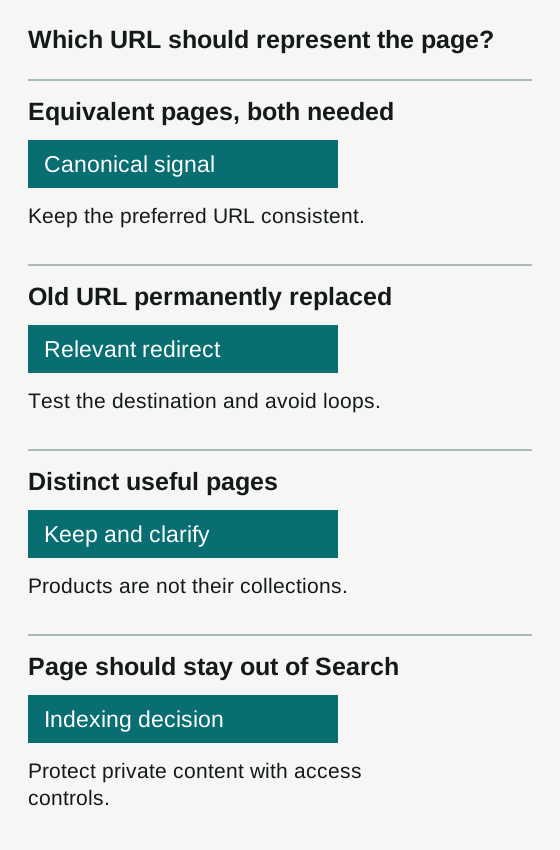
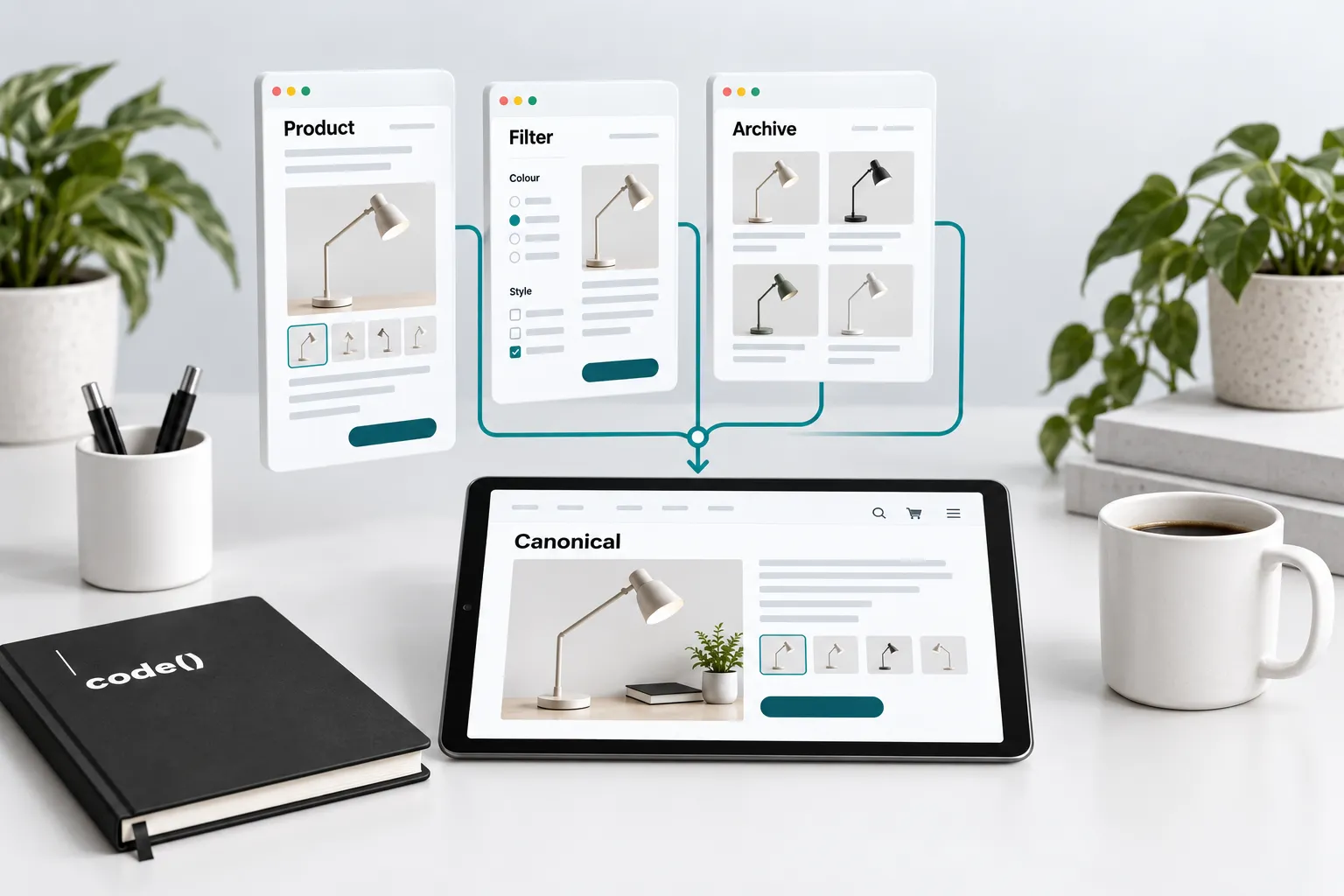
A product may be reached through several paths. That is not automatically a fault. Check which URL appears in navigation, the sitemap, the canonical tag and Google's indexed record.
Shopify's SEO overview describes its built-in canonical support. Themes and apps can still introduce conflicting output. Ask a developer to inspect the rendered page before installing another SEO app.
Use Google's canonical guidance for equivalent pages. Distinct products need their own treatment. Variant URLs also need to follow the store's actual single-page or multi-page model.
Give collections a clear buying purpose
Open the collection without reading its SEO title. Can a shopper tell what belongs there, narrow the choices and reach a suitable product? Add useful selection guidance where it answers a real question. Avoid long introductory copy that pushes the products out of reach.
Two collections with similar names may serve different buyers. Compare their product sets and purpose before consolidating them. If they are genuinely redundant, choose a destination, map redirects and update internal links. Preserve a distinct category when it meets a distinct need.
Repair product facts at their source
Compare the product record, public page, structured data and feed for a sample of affected items. Look for stale price, unavailable variants, misleading images or missing compatibility details. Assign one source owner for each field.
For example, an illustrative blue medium shirt appears available in the feed while the store cannot sell it:
| Record inspected | Observed value | What it establishes |
|---|---|---|
| Current inventory source | Zero available; overselling disabled | The item cannot currently be ordered |
| Public selected variant | Sold out; add-to-cart unavailable | The storefront agrees with inventory |
| Connector's last submission | in_stock; timestamp before the stock change | Submitted availability is stale |
| Processed Merchant Center item | in_stock from that submission | Processing has not received the current source state |
| After connector repair and processing | out_of_stock; timestamp after correction | Availability now agrees across the inspected records |
This example points to the update path, not the title or page copy. If instead inventory and submission both say out_of_stock while the page still allows purchase, investigate the storefront. Keep the item and market fixed throughout the comparison. Use the product comparison sheet and verify the next processed result before closing the issue.
Test performance where customers buy
Check collection, product and cart pages on a phone. Record slow interactions and layout shifts. Use field performance data where available and repeat laboratory tests under comparable conditions; one test score is not a reliable business result.
Before removing an app, establish its purpose and dependencies. Disable or replace it in a safe preview, test the affected functions, and compare performance. Keep reviews, accessibility and purchase controls working.
Close one repair with evidence
Your repair record should contain the affected URLs, observed defect, proposed change, owner, test and rollback route. After deployment, repeat the original test and check neighbouring products. Then monitor discovery and orders over an appropriate period without attributing every movement to the repair.
Download the search review workbook. For a new release, use the launch checklist; for feed errors, use Merchant Center diagnostics.
For a Shopify development repair, bring the exact product, failing step and expected behaviour. Use SEO review when the unresolved question concerns discovery or page relationships.
Sources
- SEO overviewhelp.shopify.com
- canonical guidancedevelopers.google.com
- single-page or multi-page modeldevelopers.google.com