
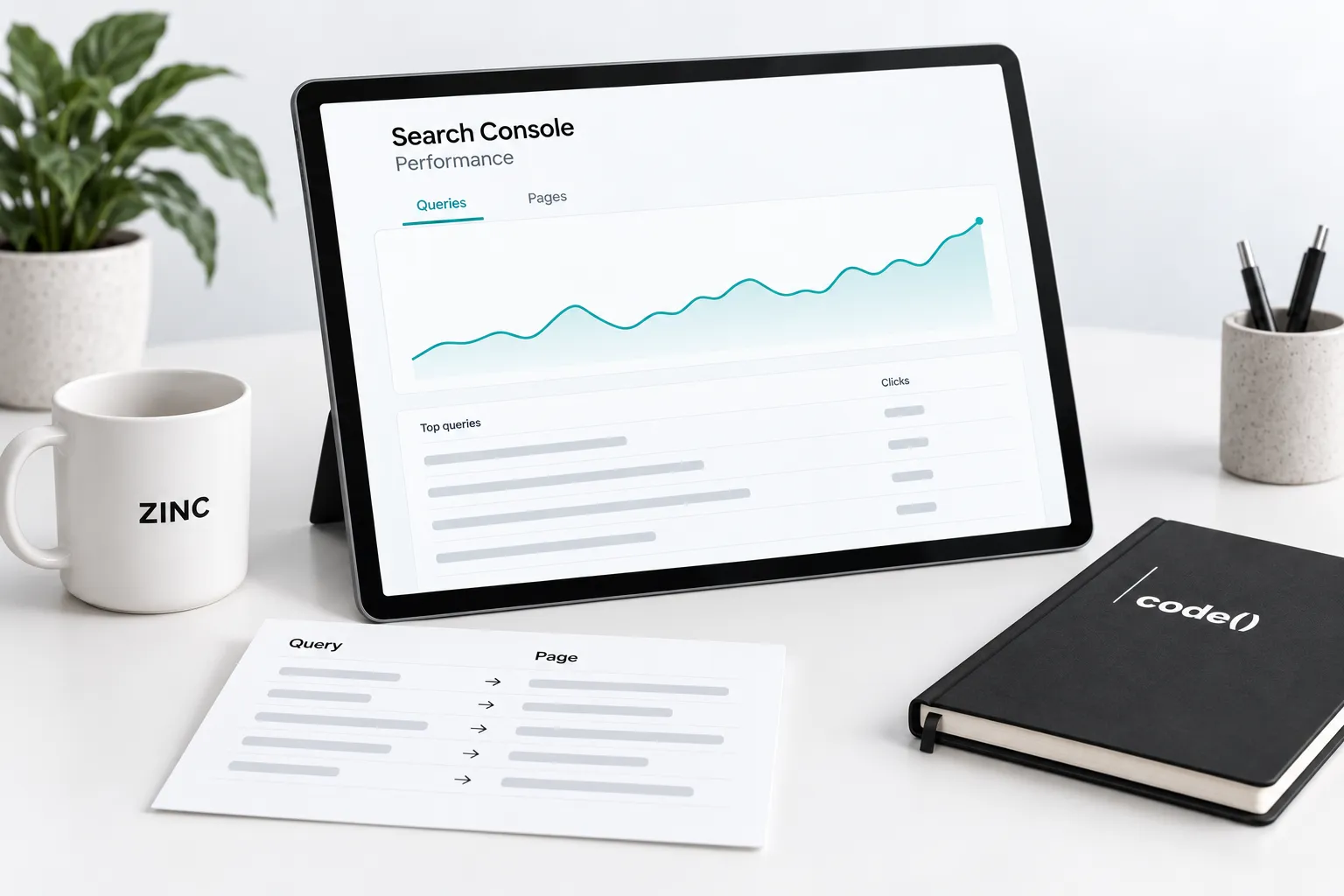
End a Search Console review with a page decision: improve an answer, investigate a technical issue or leave the page alone.
Choose important pages using the four-pillar framework, then review them consistently.
1. Record the comparison
Open the intended property and Search results report. Save the dates, search type, country and device filters. Use comparable complete periods and note seasonality or releases.
Google's filtering guidance explains how filters combine. Preserve them with the review.
2. Filter to one page
Inspect the queries associated with the page, alongside clicks and impressions. Group them by the reader's likely task.
Open the page. Does it answer those tasks clearly? An unexpected do-it-yourself query on a service page warrants investigation; it does not automatically justify a tutorial rewrite.
3. Reverse the view
Filter to an important query and inspect its pages. Read each before treating multiple results as a problem. A guide and service page can serve different needs.
Google's dimensions documentation notes that most performance is assigned to canonical URLs. Use canonical debugging when the address differs from the expected page.

4. Check the limits
Query tables omit anonymized searches and may not contain every row. Google's dimensions guidance explains that query filters also affect how anonymized queries contribute to totals.
A filtered export is not the entire property. Review query mix before interpreting an aggregate change, and do not treat a search click as a qualified inquiry or order.
5. Write one supported action
Choose a specific edit or investigation. Record the page, observed query group, supporting view and intended reader benefit. Leave accurate useful pages alone.
SEO work owns the search repair. Business intelligence connects search observations with approved outcomes. Our Search Console guide provides broader context.
Use this action record
- Page and query group.
- Dates and exact filters.
- Observation and reporting limitation.
- Proposed change, owner and release date.
- Comparable view to check next.
Preserve the original evidence. Later movement is an observation, not automatic proof that the edit caused it.
Sources
- filtering guidancesupport.google.com
- dimensions documentationsupport.google.com