
A traffic drop is an observation, not a diagnosis.
Use this routine to decide which pages need investigation after a confirmed core update. Keep it beside the SEO framework and your existing SEO work queue.
Step 1: Confirm the update and comparison dates
Check the Google Search Status Dashboard for the actual rollout status. Do not date an update from a social post.
Google's core update guidance recommends waiting at least a full week after completion before reviewing Search Console. Compare that week with a week before rollout began. Record both ranges.
Step 2: Hold the reporting view steady
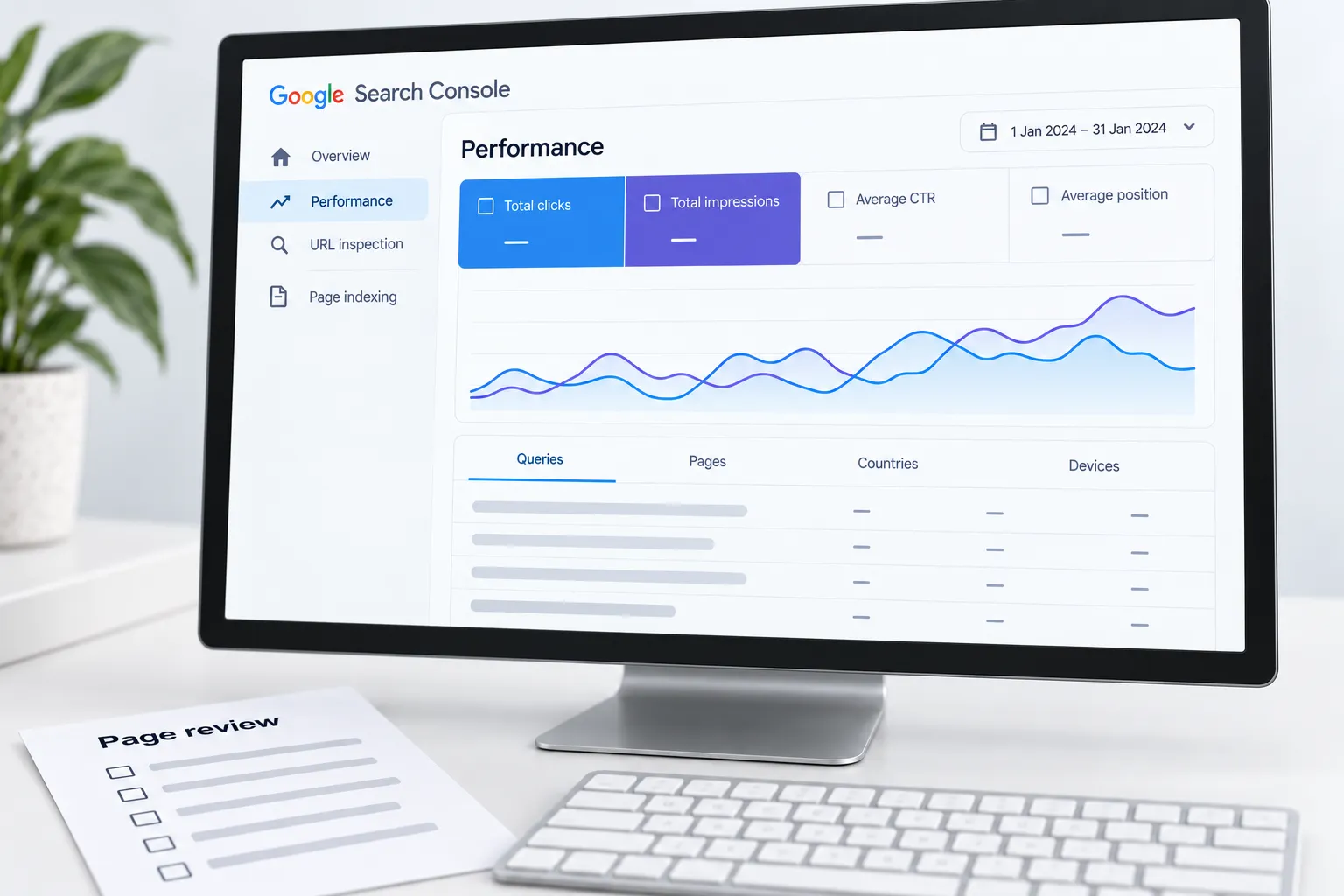
In the Search Console Performance report, use the same search type, country and device filters for both periods.
Start with commercially important pages. Keep branded and non-branded queries separate where useful. Export the observations so the next review can reproduce the comparison.
Step 3: Separate the symptoms
Use the same query-and-page pair when comparing position. An aggregate average can move because the mix of queries changed.
| Observation | Next check |
|---|---|
| Impressions fell; position stayed similar | Demand, seasonality and query mix |
| Position fell for the same queries | Search results, intent and page usefulness |
| Search clicks held; Analytics visits fell | Tracking, consent and reporting definitions |
| A page disappeared from results | Indexing, canonical and response checks |
These are investigation routes, not automatic explanations.
Step 4: Rule out a release problem
Review deployments, redirects, robots directives and recent content edits. Inspect an affected URL before changing its copy.
If several pages broke after the same release, record that connection as a hypothesis. Confirm the technical defect before attributing the change to Google's update.
Step 5: Choose one useful page action
Compare the page with the question its visitors need answered. Improve missing facts, weak explanations or a broken journey. Avoid rewriting every heading simply because a chart moved.
Use this record:
- Page and query group
- Observed change and comparison dates
- Evidence checked; remaining uncertainty
- One proposed action, owner and review date
Step 6: Review the result without changing the baseline
Save the original comparison and the release date. Recheck the same page group after the change has had time to be processed.
Keep fixes, observed outcomes and assumptions in separate columns. A clear record makes the next decision easier; a hurried rewrite only creates another variable.
Sources
- Google Search Status Dashboardstatus.search.google.com
- core update guidancedevelopers.google.com
- Search Console Performance reportsupport.google.com