
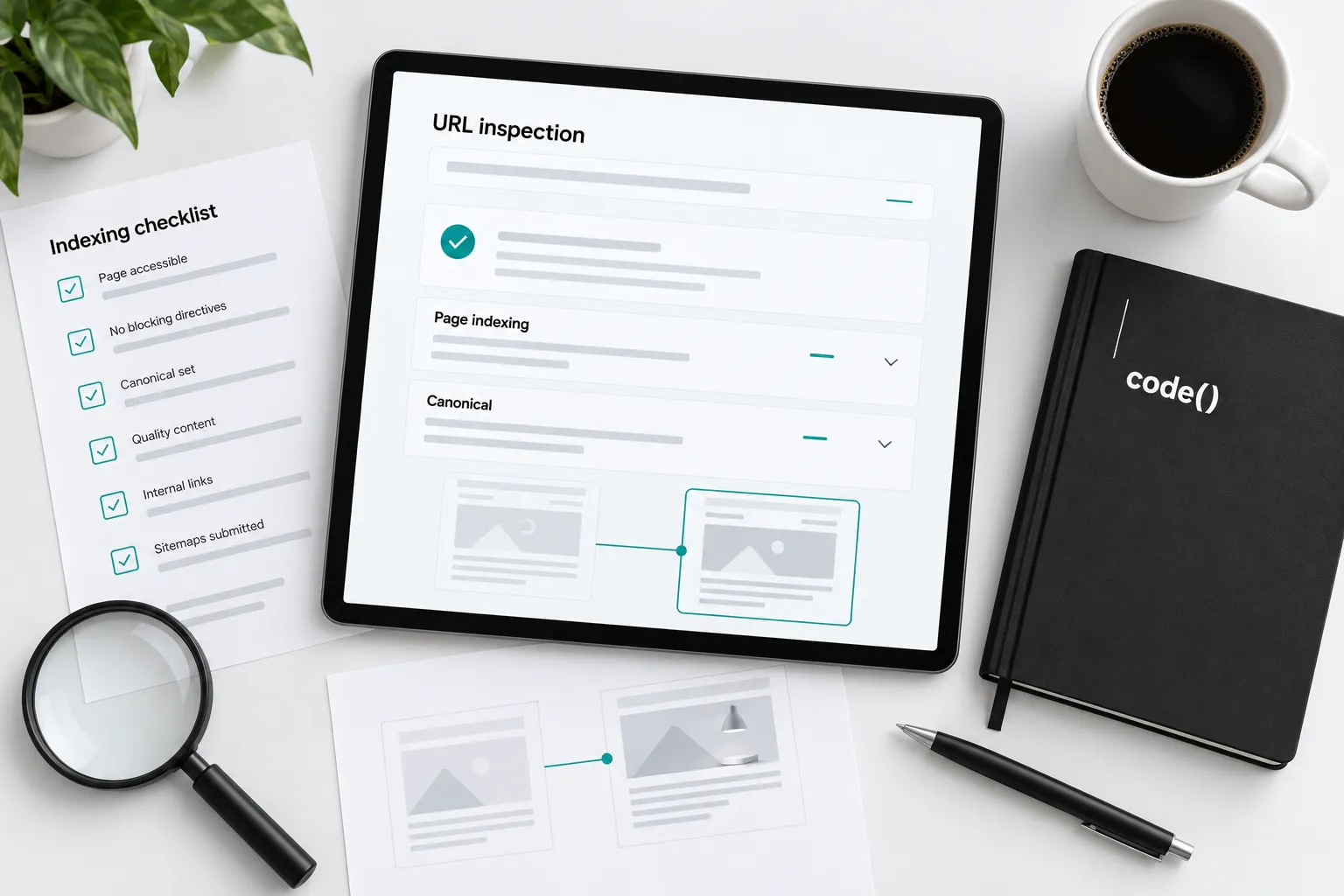
A canonical tag is a preference. It is not a command.
When Google chooses another URL, inspect the disagreement before changing the template.
1. Identify the intended page
Copy the exact URL, including hostname and parameters. Write why it should represent this content: the main service, product or article page. A generated URL is not automatically a distinct page worth indexing.
Use the four pillars of SEO to place this technical check within the wider plan.
2. Separate indexed and live evidence
Inspect the URL in Search Console. Record status, last crawl, declared canonical and Google-selected canonical where available.
Google's URL Inspection guide distinguishes the stored indexed version from the live test. A successful live test checks current access and potential indexability. It does not prove indexing or predict canonical selection. If the crawl predates a release, record that timing.

3. Compare the selected URL
Open and inspect Google's selected address too. Compare substantive content, response codes, redirect destinations and canonical declarations. Look for parameter duplicates, another hostname or a legacy route.
Document whether the pages serve the same purpose. Do not merge distinct useful pages simply to make the export shorter.
4. Align the site's signals
Google's canonical guidance describes redirects and canonical annotations as strong signals; sitemap inclusion is weaker. Choose the appropriate treatment for the actual duplicate or retired page.
Point relevant internal links and sitemap entries to the intended address. Use crawlable links with real destinations. Check rendered output after a website change, not just the template source.
5. Check access, then verify the repair
Inspect HTTP responses, robots rules and indexing directives separately. Google's robots.txt guide explains that crawling controls do not reliably prevent indexing. Its robots meta guidance covers directives the crawler must be able to read. Private pages need actual access protection.
Repair the evidenced conflict and retest the deployed page. Request indexing when appropriate, then inspect the next crawl. A completed release and Google's subsequent selection are separate observations.
Inspection record: intended URL; selected URL; crawl date; response; canonical; access rules; conflicting signals; repair; next check.
Use the Search Console operator's guide for recurring review. Technical SEO earns a URL-level explanation before the next site-wide guessing exercise.
Sources
- URL Inspection guidesupport.google.com
- canonical guidancedevelopers.google.com
- crawlable linksdevelopers.google.com
- robots.txt guidedevelopers.google.com
- robots meta guidancedevelopers.google.com