
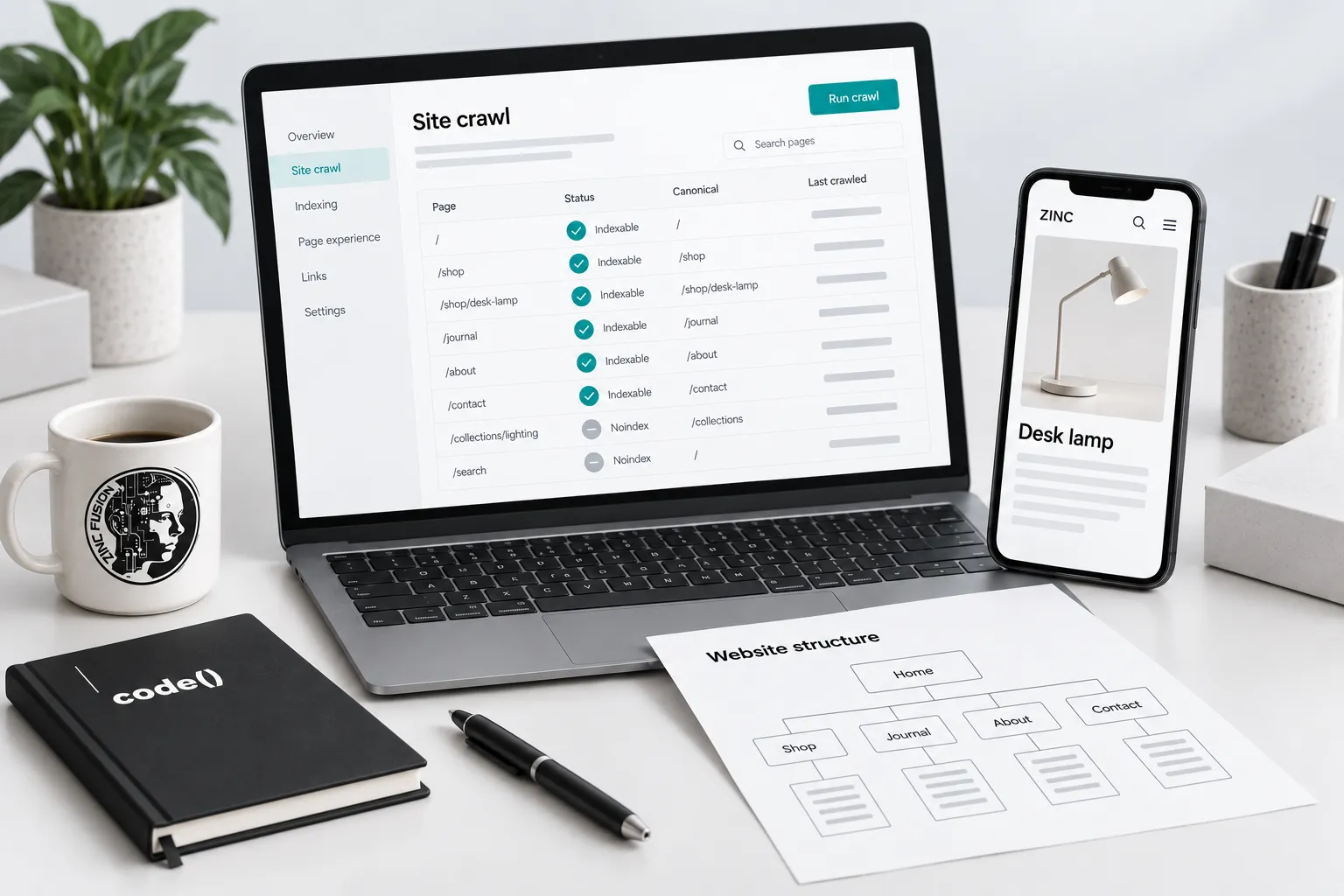
Prioritize faults that prevent important pages from being found, indexed or used. Confirm each diagnosis on an affected URL, make the smallest correction and recheck the result. Technical repairs remove obstacles; they do not promise a particular ranking.
Technical SEO should leave important public pages accessible, understandable and usable. It cannot compensate for an offer nobody wants or an article that does not answer its question.
Start with a sample covering the homepage, a service or collection page, a product where relevant, an article and a form. You need site-management access or a developer who can make the changes, plus Search Console access for Google's indexed evidence. Keep private routes private.
Ten checks and their acceptance tests
| Check | What to inspect | Evidence that the repair worked |
|---|---|---|
| Preferred domain | HTTPS and alternate domain redirects | Public links resolve to the intended host |
| Redirects | Old URLs, loops and unnecessary chains | Each mapped old page reaches its relevant destination |
| Indexing controls | Robots rules, noindex and response headers | Public pages are eligible; private pages stay excluded |
| Canonical URLs | Equivalent versions and conflicting tags | One consistent preferred equivalent URL is declared |
| Useful performance | Loading, interaction and layout stability | Comparable tests improve without breaking the task |
| Sitemap | Canonical public URLs and response status | Listed pages exist and are intended for indexing |
| Rendered content | Answers, links and headings | Important information is present in accessible HTML |
| Structured data | Types, values and visible claims | Valid markup agrees with the public page |
| Internal discovery | Navigation and contextual links | Important pages have relevant crawlable links |
| Error handling | Missing pages and failed requests | Correct responses and helpful recovery paths |
These are checks, not ten guaranteed ranking improvements. Prioritize a demonstrated blocker over a cosmetic warning.
Do not confuse crawling with indexing
A robots.txt rule controls crawling. A noindex directive controls indexing when the crawler can read it. Blocking a page in robots.txt can prevent the crawler from seeing a noindex directive. Google's robots introduction explains the distinction.
Do not open private content to solve an indexing warning. Establish what is meant to be public, then apply the appropriate access and search controls.
Use canonicals for equivalent content
A canonical is a preferred-version signal, not a redirect and not a guarantee that Google selects the same URL. A permanent redirect is appropriate when an old address is retired and has a relevant replacement.
Read Google's canonical guidance, then use the duplicate-content decision guide for examples. Do not canonicalize distinct service pages to the homepage to make a report look cleaner.
Worked investigation: a missing service page
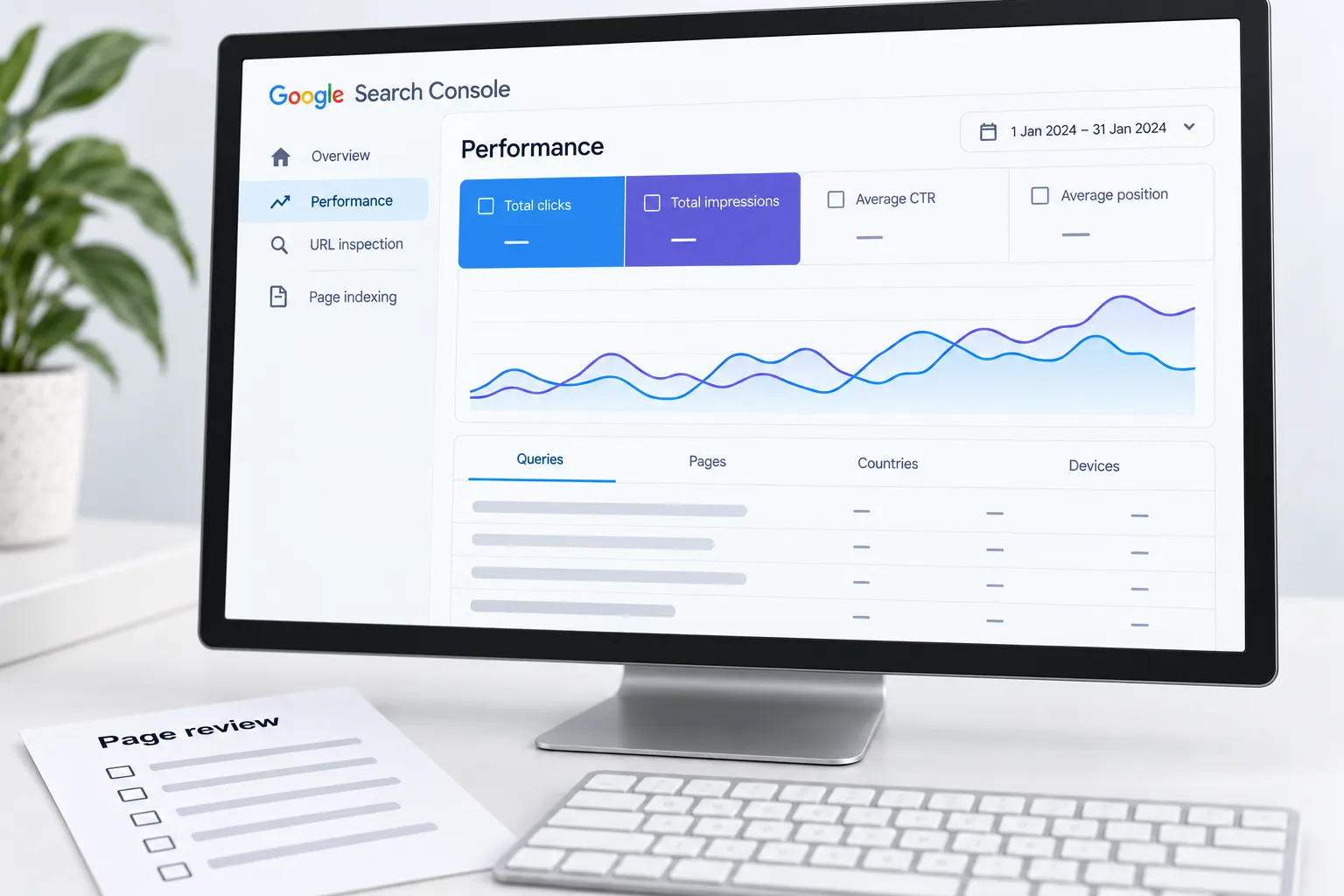
Suppose a new service page is absent from search. First open it directly and check its response. Then inspect its indexing controls, canonical, internal links and sitemap entry. Use Search Console's indexed record and live inspection for their different purposes.
A useful developer handoff could read: “The public reporting-service URL returns HTTP 200, but its published robots meta tag contains noindex. The intended canonical returns HTTP 200, the service is linked from navigation and the sitemap contains it. Please remove noindex from this public template, preserve the admin exclusions, and return the published URL plus a before/after response check.” These are illustrative findings, not a diagnosis of the reader's site.
That handoff names the defect, scope and evidence needed to close it. After publishing, inspect a second service page and a private admin route as well as the example: the public change must not expose private material.
If a launch template accidentally contains noindex, remove it only from the intended public pages. Deploy, inspect the public HTML again and request indexing through an authorized property when appropriate. Record the correction date. A successful live test proves current access, not immediate inclusion in search.
Check the task after changing the template
Template repairs affect more than the example URL. Recheck neighbouring pages, mobile navigation, forms and structured data. Use Google's page experience guidance to put performance in context rather than treating a perfect laboratory score as the entire goal.
Keep an owner, rollback route and acceptance test for every change. Download the search review workbook to retain the evidence and follow-up date.
If a defect repeats across templates, bring the affected sample and failing check to SEO and web development. Verify the shared repair on neighbouring pages as well as the original URL.
Sources
- robots introductiondevelopers.google.com
- canonical guidancedevelopers.google.com
- page experience guidancedevelopers.google.com