
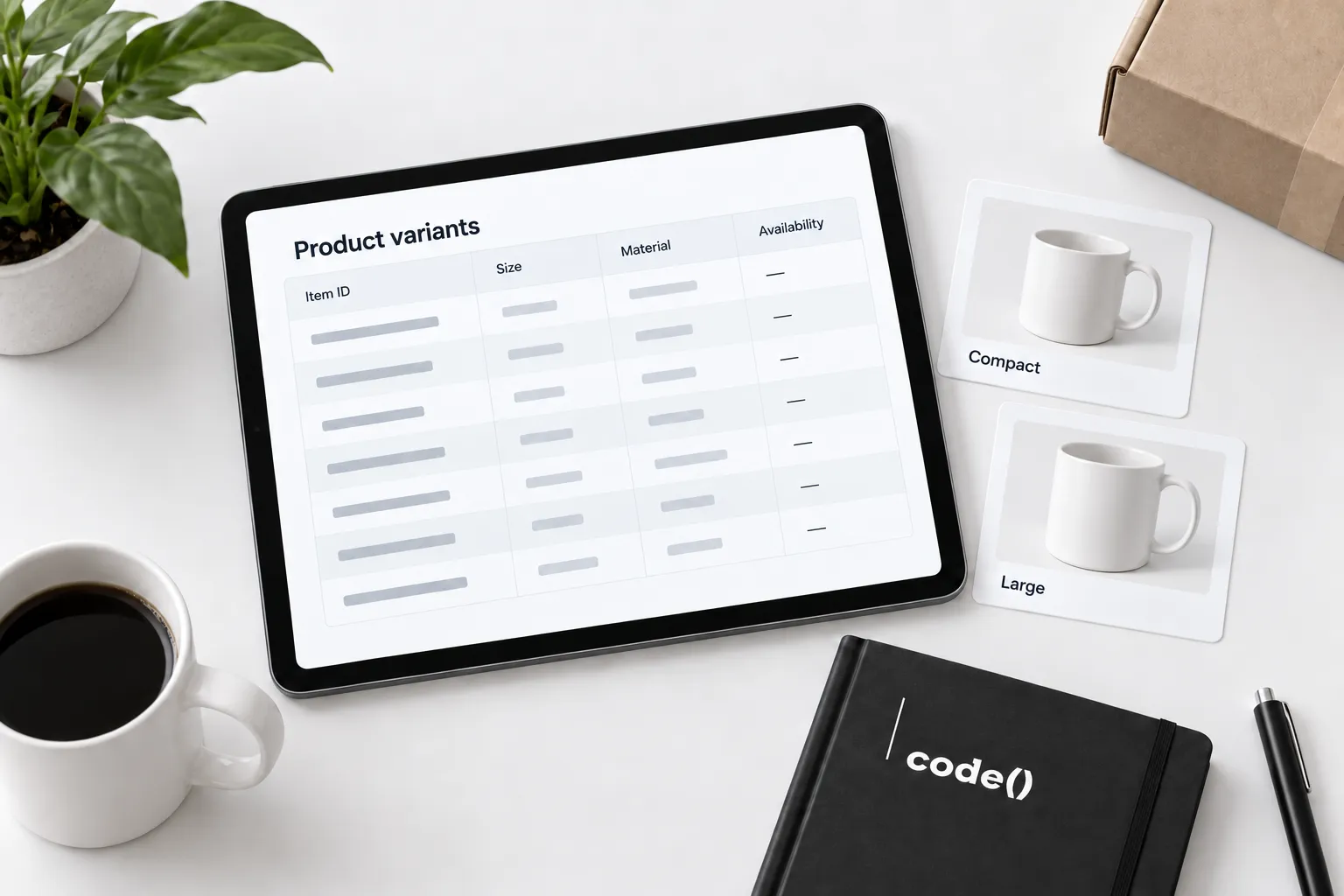
Review the product family and each submitted option separately. A correct family name can still lead to the wrong variant.
Start with the ecommerce launch guide for the broader setup.
1. Map the real variants
List the actual purchasable options from the catalog. Create one working row for each submitted item.
Google's item group guidance describes separate variant records with shared grouping and variant-identifying attributes. Check the current required fields for your products and destinations.
2. Compare the option fields
Match each item ID, group ID, title and relevant option value with the source record. Keep unrelated products out of the family.
If the storefront uses branded color labels, document the integration mapping. A visual swatch alone does not verify the submitted data. Fix a repeated mapping error at its source.
3. Open the submitted link directly
Use the processed item's URL in a fresh browser context. Confirm the selected option without manually correcting it.
Google's product link documentation and variant URL guidance describe relevant destination requirements. Check whether redirects or theme scripts change the selection.
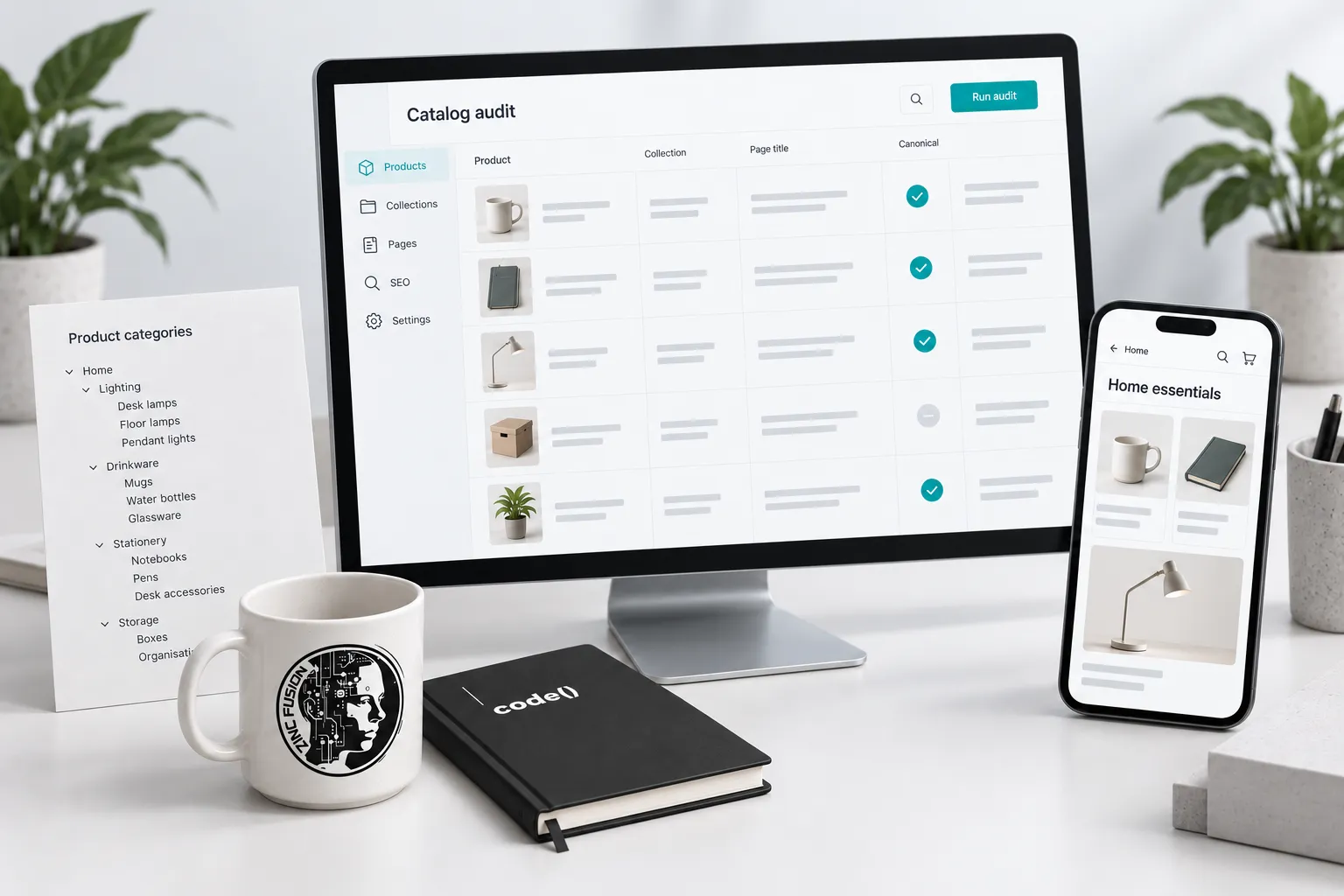
4. Check that option's offer
Compare its image, price and availability across the catalog, processed record and landing page. Repeat on mobile. A family-level price range does not verify a particular option.
Use Google's availability guidance for supported states. Check the affected variant's ability to be ordered; do not borrow another option's availability.
5. Correct and verify the processed record
Repair the source or mapping, submit through the approved integration and reopen the item. Inspect its current issue status and landing selection.
Our feed diagnostics guide traces broader mismatches. Shopping management separates eligibility from campaign performance; Shopify work owns storefront defects.
Use this variant test row
- Item ID, group ID and required option fields.
- Submitted URL and observed selected option.
- Expected and observed image, price and availability.
- Market, device and test date.
- Source correction and processed result.
- Current issue status.
Recheck linked specifications when maintaining the integration. The durable test is whether the submitted item and the shopper's selected offer agree.
Sources
- item group guidancesupport.google.com
- product link documentationsupport.google.com
- variant URL guidancedevelopers.google.com
- availability guidancesupport.google.com