
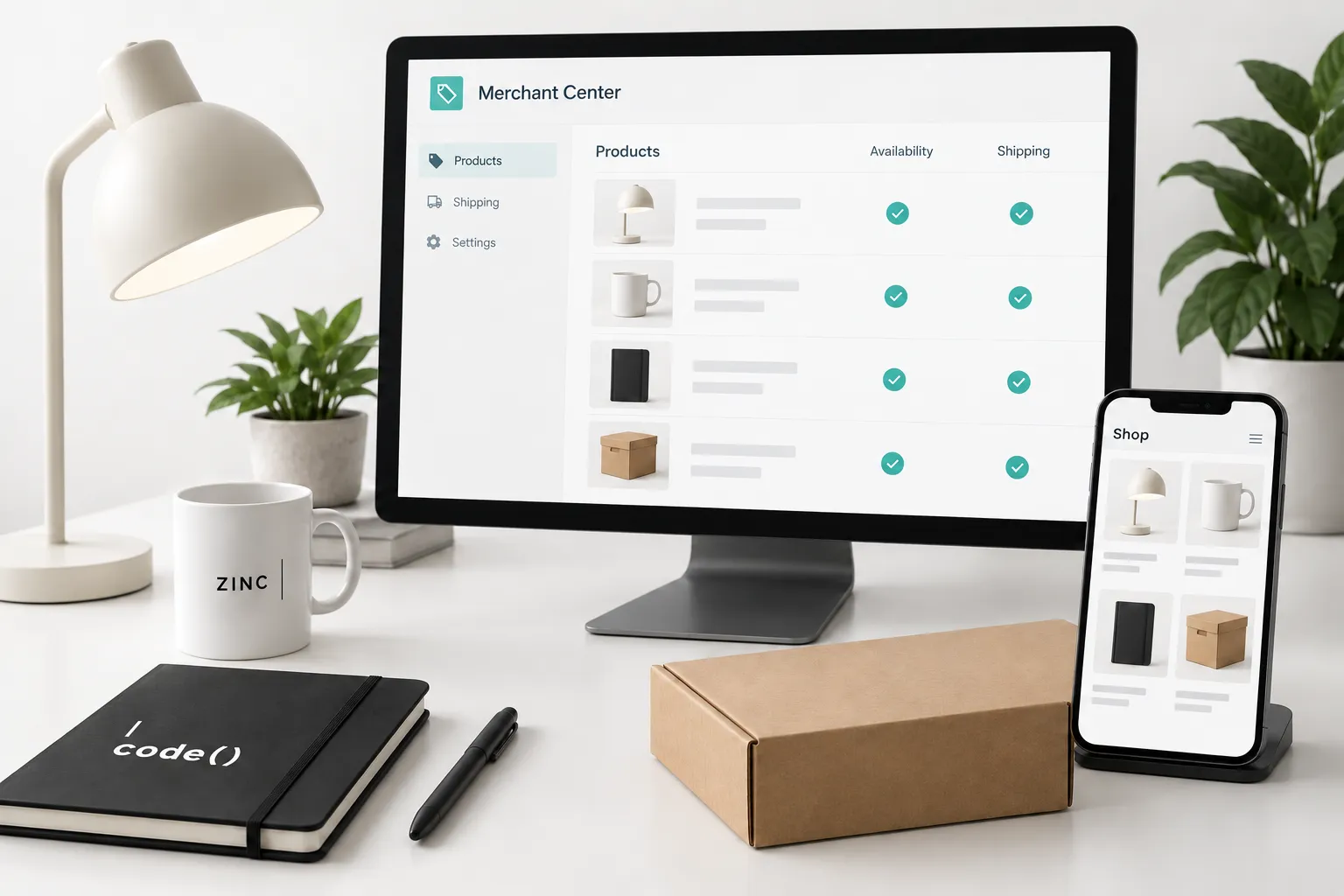
Merchant Center holds the product information Google uses to understand your catalog. Start with accurate records and a repeatable update process. Advertising comes after that foundation.
1. Confirm the business and website
Create or open the business's Merchant Center account. Check the business details, intended selling countries and website address. Complete the website verification and claiming steps shown for your account.
Google's website verification guide explains the available methods. Use an account the business controls, and record who maintains access. Check that checkout, contact details and store policies are easy to find on the public website.
2. Choose the product source
Identify where prices, inventory and product identifiers are maintained. Connect that system through the appropriate supported source: a store integration, file, spreadsheet or another documented method.
Review Google's product upload options. Avoid creating overlapping sources without understanding which supplies each product. Record the source owner and update schedule.
3. Inspect a small product sample
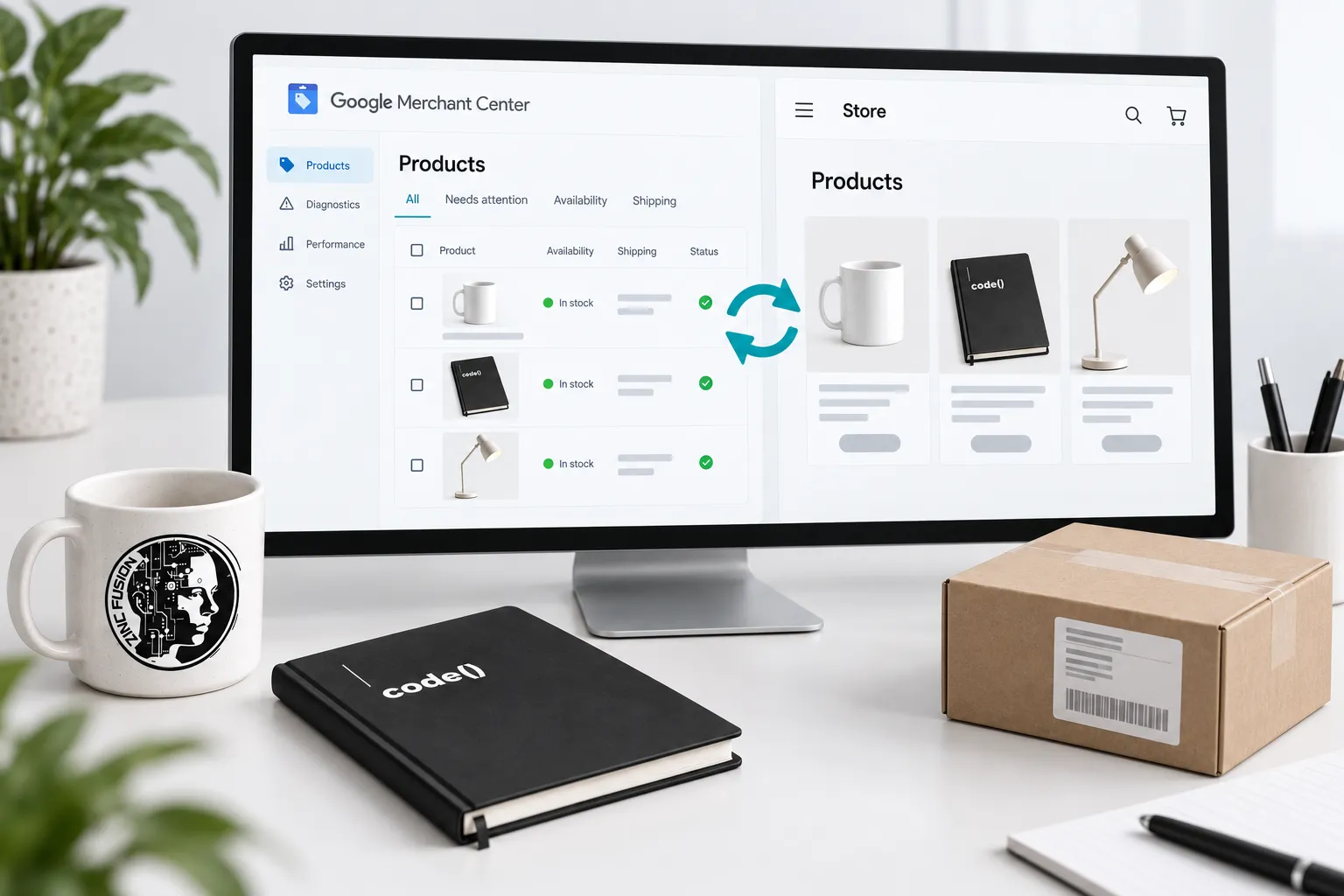
Compare a simple product, a variant and an unavailable item against their landing pages. Check title, image, identifiers, selected variant, price, currency and availability.
Use the product data specification for the attributes required for your products and destination. Do not invent identifiers to fill empty fields. Correct the catalog record that supplies the feed.
4. Check the purchase conditions
Review shipping and return settings against the actual customer experience. Test the linked product on mobile, including variant selection and checkout.
If a product is rejected, read its stated issue before changing campaigns. A price mismatch, unavailable item and policy issue need different repairs. The feed diagnostics workflow covers that investigation.
5. Verify updates before promotion
Change an authorized test product, wait for the source's expected update and confirm the result in Merchant Center. Check both the submitted data and the product's current eligibility status. Keep the source record, website and Merchant Center in agreement.
Setup checklist: business access; verified website; named product source; update owner; accurate sample products; shipping and returns reviewed; current issues assigned.
Product eligibility does not guarantee visibility or sales. Connect this setup to the broader Shopify SEO checklist and the product review behind Shopping ads management.
Sources
- website verification guidesupport.google.com
- product upload optionssupport.google.com
- product data specificationsupport.google.com