
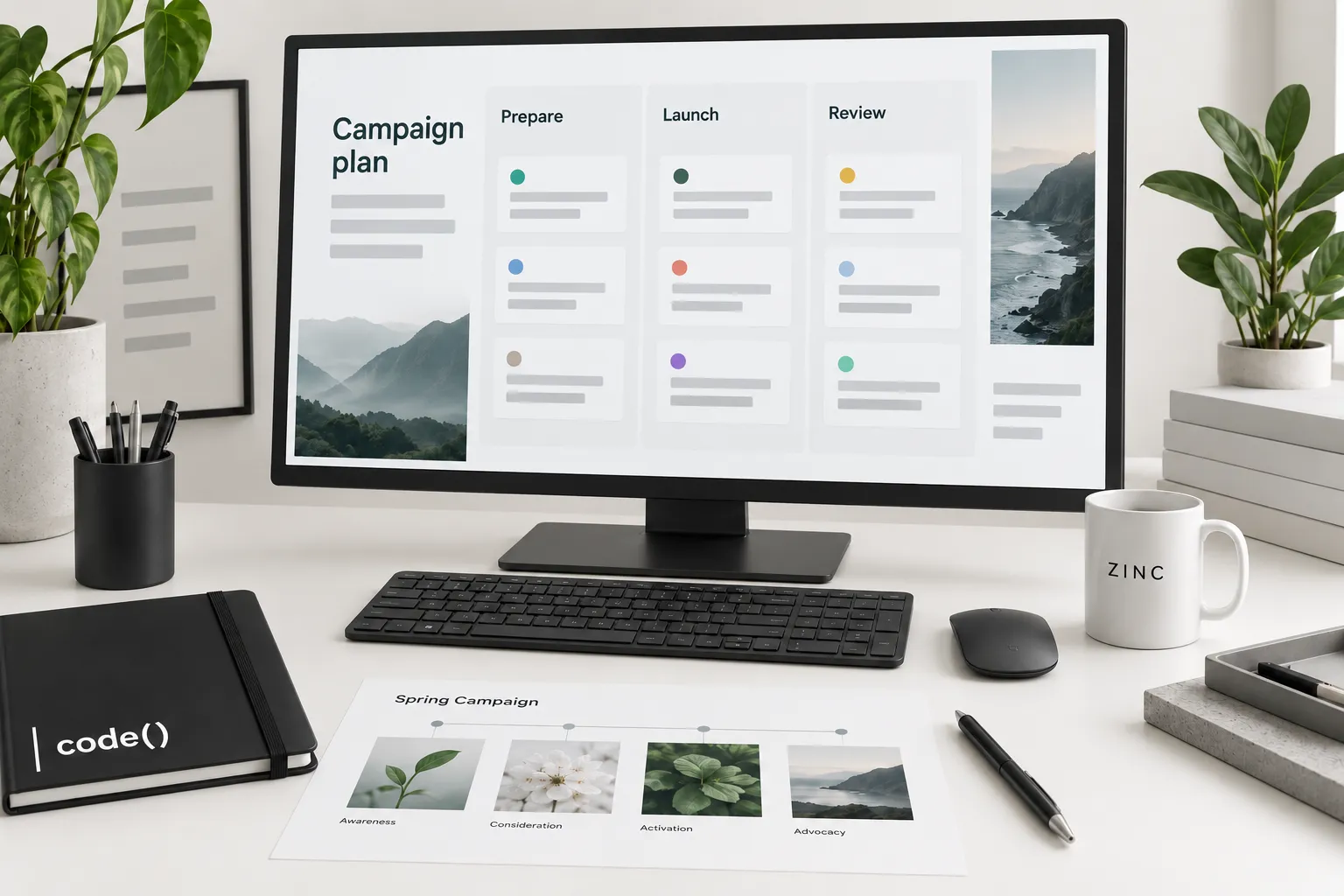
A useful seasonal plan starts with demand and stock, not a list of holidays.
Choose one buying moment, one customer need and a product group you can fulfill. Use the channel planning guide to decide which channels deserve work.
Step 1: Check when the question becomes relevant
Review your own search, sales and customer questions from comparable periods. Note product launches, promotions or outages that changed last year's pattern.
Use Google Trends as supporting context. Its normalized interest values are not absolute search volume or a sales forecast. Keep geography, term choice and date range consistent.
Step 2: Select products you can support
Confirm stock, contribution after the proposed offer, fulfillment capacity and the final useful order date with the responsible team.
Exclude products whose stock or delivery promise cannot support the promotion. A smaller coherent group is easier to explain than an offer covering incompatible products.
Step 3: Write the campaign brief
Complete this before creative production:
| Field | Write this |
|---|---|
| Customer moment | Who needs what, and when |
| Offer | Eligible products, terms and exclusions |
| Destination | Published page answering that need |
| Timing | Launch, cutoff and removal dates with time zone |
| Measurement | Named business outcome and source |
| Owner | Person responsible for changes |
Make the landing page useful without requiring the visitor to reconstruct the offer from the ad.
Step 4: Choose distribution by its job
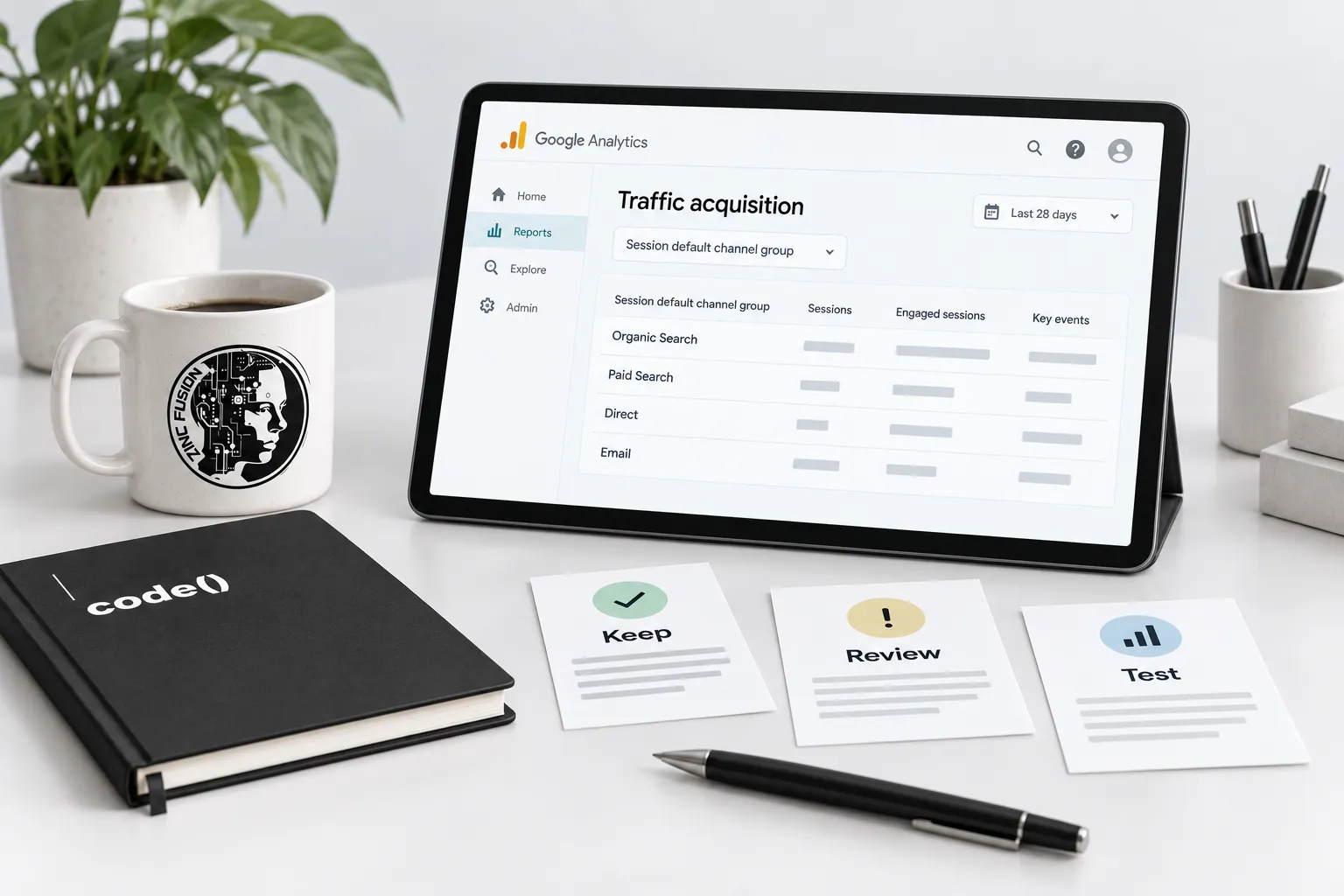
Assign a purpose to each channel. Search can address an explicit question; Shopping can present an eligible product; email can reach an audience you already have permission to contact.
For Shopping campaigns, check eligibility and the store/feed agreement using Google's product specification. Do not spread budget across channels simply to fill the brief.
Step 5: Test the path and name the links
Click the actual campaign link. Check its destination, offer, stock and checkout behavior.
Use one campaign naming convention across placements. Google's campaign URL guidance explains the source, medium and campaign fields; save the final links in a shared register. Keep customer details out of URLs.
Step 6: Write the review and stop rules
Review stock, delivery capacity and the agreed outcome together. Record whether the observed result supports expanding, revising or stopping the effort.
Do not interpret one day's variation as a trend. Keep attribution windows and reporting dates visible, and separate campaign claims from store totals.
Remove expired offers and delivery messages at the agreed cutoff. The finished plan has a launch, a review and an ending.
Sources
- Google Trendssupport.google.com
- product specificationsupport.google.com
- campaign URL guidancesupport.google.com