
Before increasing Shopping spend, check the exact product variant, landing-page price, delivery terms and purchase measurement. Group products around decisions you can act on, and set spending limits from contribution after costs rather than revenue alone.
Increasing a Shopping budget gives an existing system more room to spend. It does not repair an incorrect price, an unavailable product or a purchase event counted twice.
Before changing spend, establish three things: the products are eligible, measurement is dependable and the business can afford the acquisition cost. You need access to Merchant Center, Google Ads and the store's actual order and cost records.
Verify the catalog first
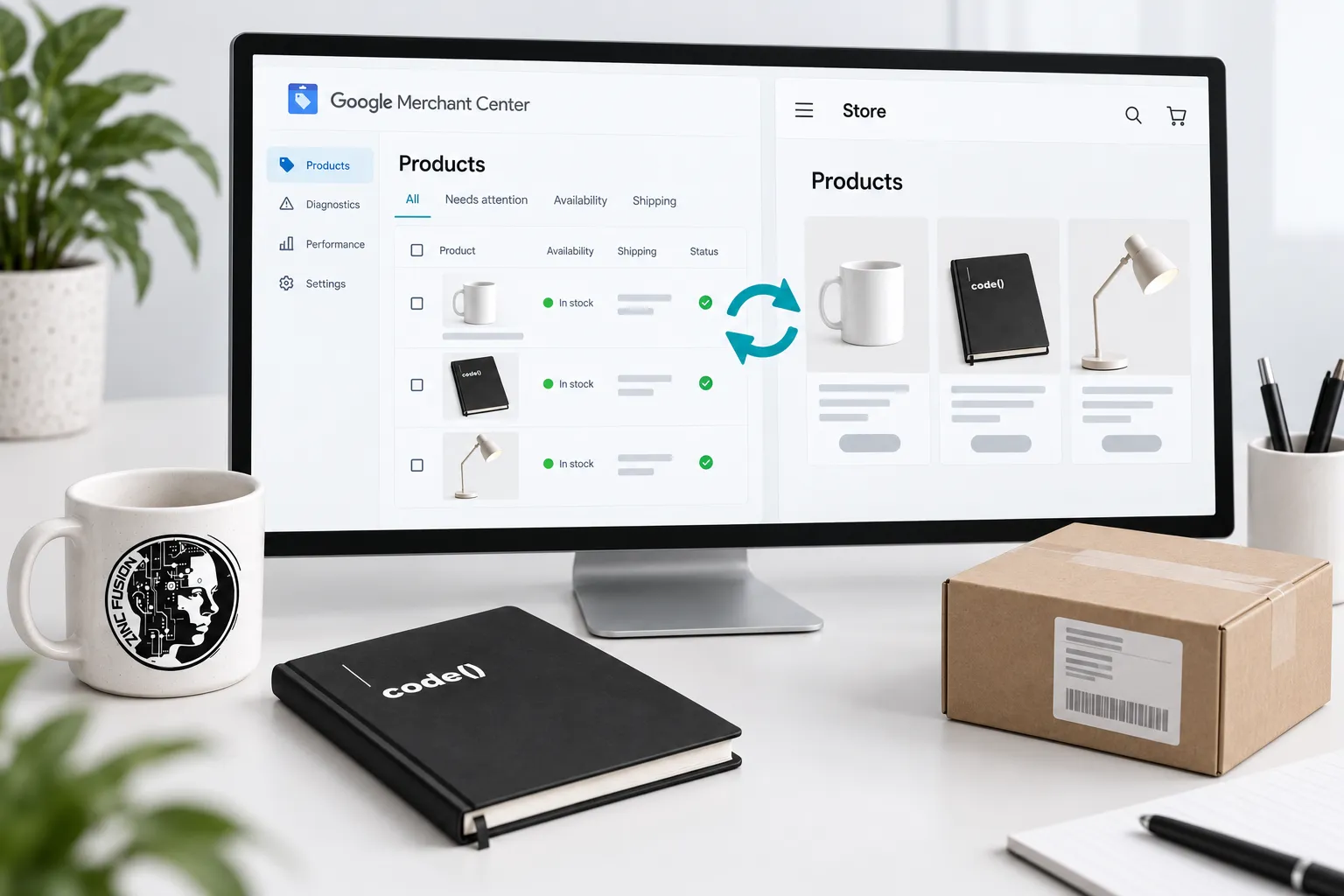
Review account and item issues in Merchant Center. Compare priority products with their landing pages: item, variant, image, price, currency, availability, delivery and returns. Google's product data specification is the reference for required fields and exceptions.
Fix mismatches in the system that owns the information. Use the Shopify connection checklist when that is your platform. Keep a record of affected item IDs so you can verify the next successful update.
Choose a campaign for the job
Standard Shopping and Performance Max are different campaign types. Performance Max can serve across Google's advertising inventory; it is not simply another name for Shopping. Its broader scope matters when you interpret a campaign total.
Use the campaign's job to narrow the choice:
| Question | Standard Shopping starting point | Performance Max starting point |
|---|---|---|
| What are we organising? | Product-focused Shopping campaign and product groups | A conversion-goal campaign with product data and creative assets across Google's inventory |
| What needs review? | Linked Merchant Center, included products, bidding, budget and overlapping Shopping campaigns | Conversion goals/values, assets, brand controls, destinations and broader channel reporting |
| What does the total mean? | Results under that Shopping campaign's settings | Results across the enabled inventory; not a Shopping-only result |
Google's Shopping setup instructions and Performance Max guide document the different structures. This is a selection aid, not a claim one always performs better. A retailer needing a bounded product investigation should ask what each setup will let them include, inspect and change before accepting a migration.
Choose based on the business objective, available creative, conversion measurement, catalog and control needs. There is no universal rule that every store should move its entire catalog into one campaign type. Read the current account options before making a migration and document what reporting or controls will change.
Calculate what an order can support
Revenue divided by ad spend is return on ad spend, or ROAS. It does not subtract product costs, fulfilment or returns. A high ROAS can still accompany poor economics.
Illustrative example: an order produces $100 in net sales. Product cost is $35, variable fulfilment and payment costs are $15, and expected return-related costs are $5. That leaves $45 before acquisition and fixed overhead. If the business needs $20 of that contribution to remain, the initial acquisition allowance is $25. Confirm the cost definitions with the person responsible for the accounts; do not count the same return twice.
Our order acquisition worksheet provides the fuller calculation, including uncertainty. An allowance is a planning constraint, not a prediction that ads can obtain orders at that cost.
Define a test before changing the budget
Write down the eligible product group, conversion goal, cost limit, review date and conditions that stop the test. Include inventory constraints and the time needed for conversions to arrive. Do not promise a statistically reliable result from a small arbitrary budget.
For a store comparing two product groups, keep the comparison clear: similar dates, known promotions and consistent cost definitions. If one group has much higher returns or lower margin, revenue alone is not a fair comparison.
Reconcile the reported purchases
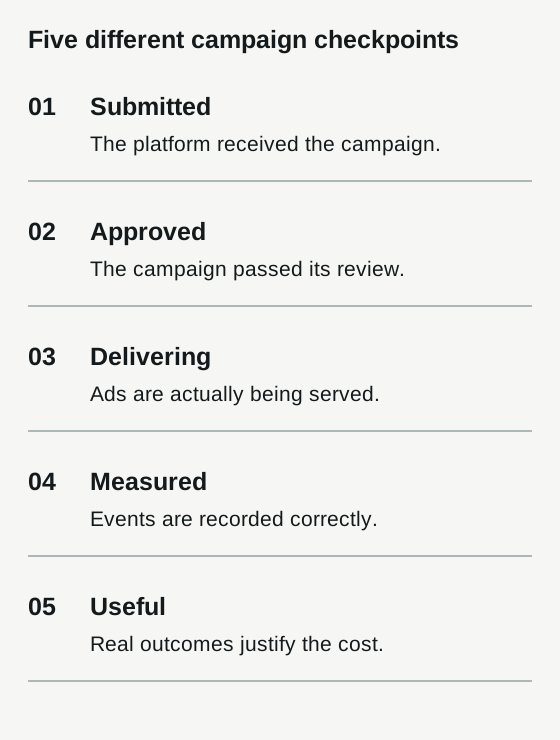
Take an authorized test transaction or a known order and verify its value, currency and event identity. Review conversion settings, attribution windows and delays with the account owner. Do not add Google, Meta and other platform-attributed orders together as unique store orders.
Use the store's records to establish total business activity. Use platform reports to understand delivery under their stated definitions. Neither source should silently replace the other.
Decide whether to expand, repair or stop
At the review date, check eligibility, spending, stock, purchases and contribution. A delivery problem calls for diagnosis. An uneconomic offer calls for a business decision. Incomplete data calls for an explicit uncertainty note, not an optimistic result.
Download the campaign test brief. Record the decision and what evidence would change it. Increase spend only within an agreed limit, then review whether the economics hold as the campaign reaches more buyers.
If you need help running that test, our Shopping Ads service covers campaign work. Bring the product sample, spend boundary and contribution definition so the brief starts with a decision.
Sources
- product data specificationsupport.google.com
- Performance Maxsupport.google.com
- Shopping setup instructionssupport.google.com