
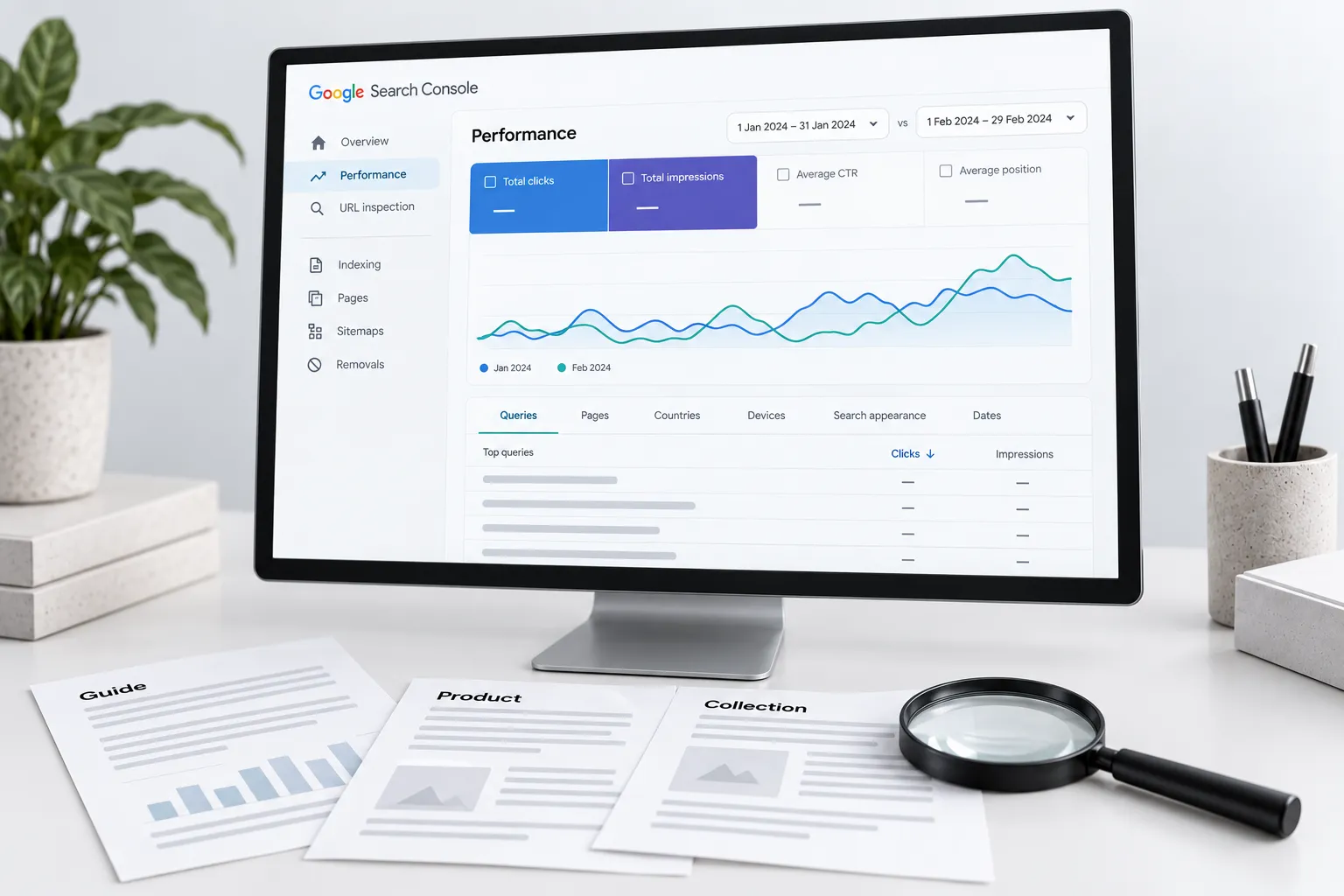
Confirm rollout dates, compare consistent periods and find which queries and pages changed. Separate observations from explanations. Fix demonstrated defects rather than rewriting a site because traffic moved near an update announcement.
A ranking change during an announced update is a reason to investigate. It is not proof that the update caused the change, or that a particular paragraph needs rewriting.
Keep the investigation small enough to understand. You need Search Console access, a record of website changes and relevant business context such as promotions, stock and seasonality.
Confirm the event and dates
Check the Google Search Status Dashboard for the event type and rollout dates. Distinguish a core update, a spam update and a serving incident. A social-media volatility screenshot is not the official event record.
Record whether the rollout is complete. Google's core update guidance recommends waiting at least a full week after completion before analysing the impact in Search Console. Fix independently verified faults, such as a broken form or accidental noindex, without pretending they prove an algorithm diagnosis.
Decide what needs attention today
Use this as the first-response triage; the core update review covers the later report comparison in detail.
| Question | If yes | If no |
|---|---|---|
| Does the homepage, an important page, enquiry form or checkout fail? | Repair the confirmed service failure | Continue the investigation |
| Does Search Console record a manual action or security issue? | Follow the specific notice and its remediation route | Do not call a ranking decline a manual penalty |
| Did a recent release change robots, redirects or canonical output? | Test affected URLs and repair demonstrated errors | Retain the release log as context |
| Is the official rollout still running? | Save the starting evidence; do not declare a final ranking effect | Prepare the completed-period comparison |
Illustrative triage: enquiries fall on a day a core update is announced, but the mobile form also returns an error after a website release. Repair and retest the form immediately. Preserve search observations for the later review. Waiting for the rollout to finish would not make a broken form acceptable, and fixing it would not prove the update had no effect.
Compare equivalent groups
Compare affected pages and queries across sensible periods, using consistent country, device and search-type filters. Inspect impressions, clicks and position together. Separate brand queries, service pages, articles and product collections where their purposes differ.
Account for reporting delay, low volume and seasonality. A change in average position can reflect a different mix of queries. Review the Search Console walkthrough before treating an aggregate as a page-level explanation.
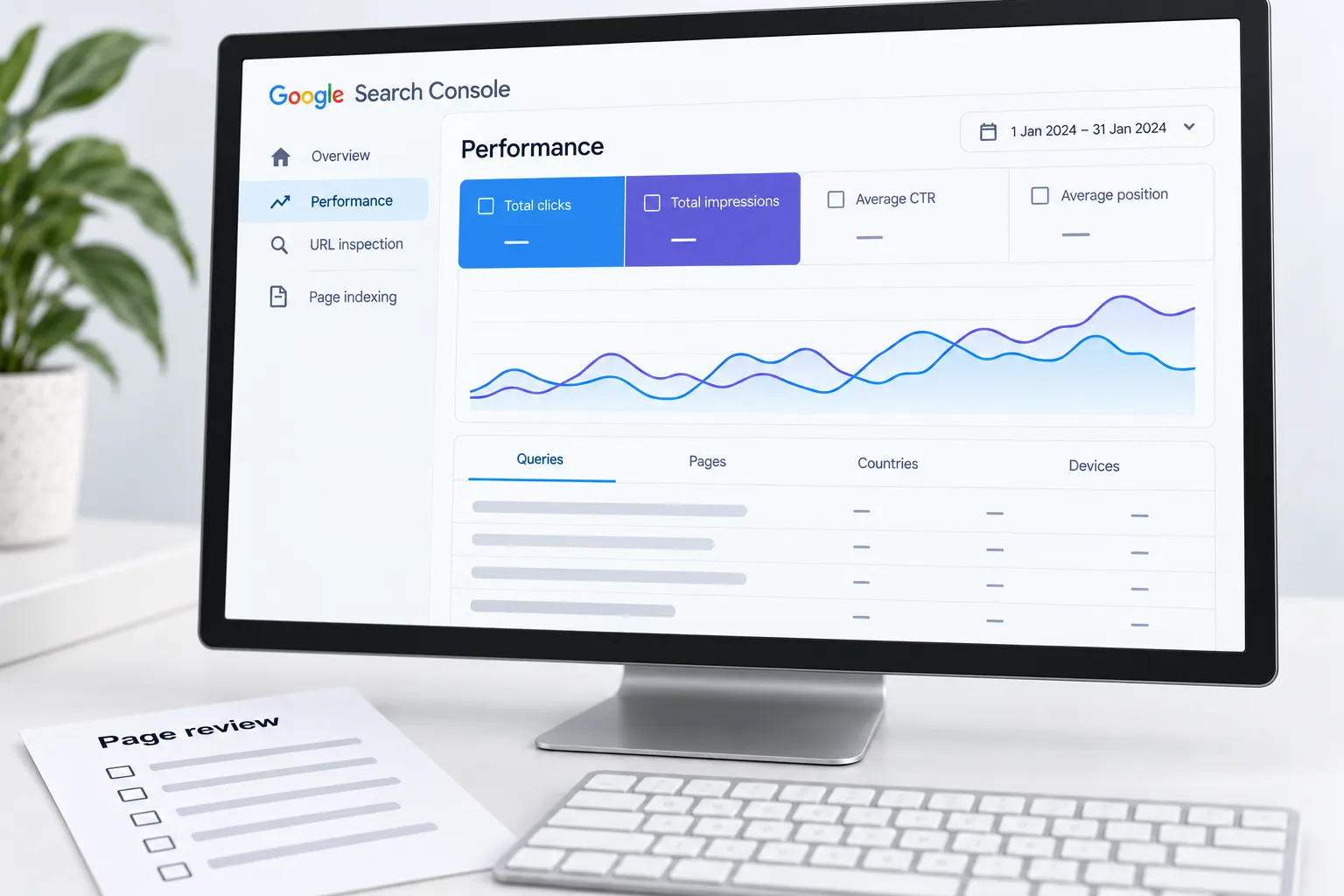
Worked example: fewer article clicks, steady inquiries
Imagine informational articles lose clicks while service-page visits and qualified inquiries remain similar. That does not establish that the content is fine or that AI answers caused the decline.
Inspect the affected queries and current results. Check whether demand, the search presentation, competing pages or your own page changed. Review whether the article still provides a useful, accurate answer. Keep the business outcome separate from the visibility diagnosis.
| Observation | Possible explanation | Next evidence |
|---|---|---|
| One template loses indexed pages | Technical release problem | Public HTML and URL Inspection |
| Seasonal queries lose impressions | Demand change | Comparable seasonal periods and query context |
| Clicks fall while appearances hold | Result presentation or competing offers | Actual results and query-level comparison |
| Orders fall across channels | Broader business or measurement issue | Stock, checkout and order records |
These are hypotheses, not automatic conclusions.
Make a change you can evaluate
If the page has factual errors, missing buying information or broken navigation, repair those defects. Record the reason and deployment date. Avoid changing the title, URL, content, template and internal links all at once merely to demonstrate activity.
Some problems require coordinated changes. In that case, document the bundle and accept that isolating each change's effect will be harder. Preserve useful pages and URLs unless the evidence supports a different treatment.
Review without promising recovery dates
After a repair, verify the public result first. Then monitor discovery and relevant business outcomes over an appropriate period. Google's guidance does not promise that every change produces recovery at the next update.
Download the search review workbook to retain observations, hypotheses and checks. The 2023–2026 update record supplies historical context; it does not diagnose your site.
Bring the affected pages, comparison periods and competing explanations to an SEO review. The useful brief identifies what must be investigated before anyone promises a recovery plan.
Sources
- Google Search Status Dashboardstatus.search.google.com
- core update guidancedevelopers.google.com